Send yourself a Naver Band event countdown
Every morning in the week before an event, WebRun opens your Naver Band community, checks the event post's RSVP count and comments, logs attendee numbers into Airtable, and emails you a reminder that counts down the days so low turnout or open questions don't surprise you at the last minute.
- No credit card
- Under $0.01 per run
- Cancel anytime
What does WebRun do on every run?
The exact actions WebRun takes, in order - in plain language, so you can adjust anything.
-
WebRun signs in and gets to work
Opens
band.usin a real browser with your saved login - no setup, no API keys. -
1
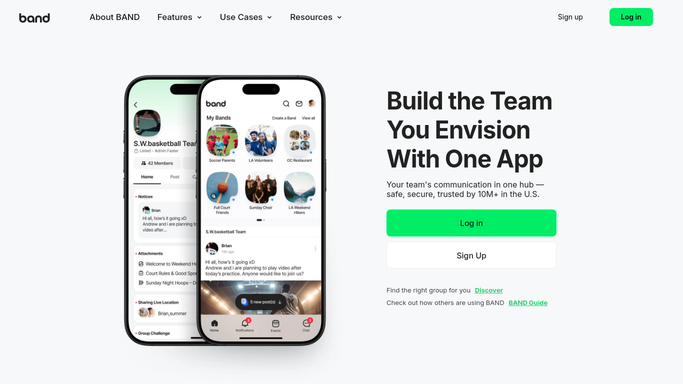
Naver Band - check RSVP counts
band.us

WebRun opens Naver Band to check RSVP counts. - Open the community's upcoming event post
- Read the current RSVP count and any comments
- Note how many days remain until the event
Done when This event's RSVP count and days remaining are captured.
-
2
Airtable - log attendee numbers
airtable.com How to Automate Airtable
WebRun opens Airtable to log attendee numbers. - Open the events tracker base
- Log today's RSVP count against the event row
- Compare it with yesterday's count
Done when The tracker shows today's RSVP count for the event.
-
3
Gmail - send the countdown reminder
gmail.com How to Automate Gmail
WebRun opens Gmail to send the countdown reminder. - Email you the current RSVP count and days remaining
- Flag it if RSVPs look low for the venue size
- Stop the reminders once the event date has passed
Done when You have today's countdown reminder in your inbox.


How do I track RSVPs before a Naver Band event?
WebRun checks your Naver Band community's event post every morning in the week before it happens, reads the current RSVP count and comments, and logs the numbers into Airtable to track the trend. It then emails you a countdown reminder, flagging it if turnout looks light for your venue size.
- RSVP trends are tracked automatically, day by day
- Low turnout gets flagged before it's too late to act
- You get one countdown email instead of checking Band daily
Built for Community and club organizers · sports teams · alumni groups · event hosts
How is each run configured?
Secure by default
Connect once, stays signed in
WebRun signs in once and keeps each session in a persistent environment, so every run picks up right where it left off.
Every action is checked against this policy before it runs.
Questions, answered
Does WebRun post anything to the Band event page?
No. It only reads the RSVP count and comments. Posting updates or messaging members stays something you do yourself in Naver Band.
How does it flag low turnout?
It compares the current RSVP count against the number you set for the venue, and calls it out in the Gmail reminder if attendance looks light.
When do the reminders stop?
Once the event date has passed, WebRun stops sending the daily countdown automatically.
Related templates
Put this on autopilot.
Turn it on in minutes - or have our team set it up for you.