Know the day a new statement or tax form posts
Every morning, WebRun signs in to Merrill Edge, checks the documents area of each account for statements and tax forms posted since the last run, alerts you in WhatsApp with the document type, account, and date, and keeps a running index in Telegram so nothing is missing when tax season arrives.
- No credit card
- Under $0.01 per run
- Cancel anytime
How do I know when a new brokerage statement or tax form posts?
WebRun watches your Merrill Edge documents every morning. It checks each account for statements and tax forms posted since the last run, alerts you in WhatsApp the day each one appears, and keeps a running index in Telegram showing what has posted and what is still expected.
- A new statement or tax form is known the day it posts
- The year's documents sit in one index by account and period
- Expected forms that never arrived are visible well before filing
Built for investors · accountants · family office staff · self filers
What does WebRun do on every run?
The exact actions WebRun takes, in order - in plain language, so you can adjust anything.
-
WebRun signs in and gets to work
Opens
www.merrilledge.comin a real browser with your saved login - no setup, no API keys. -
1
Merrill Edge - check for new documents
merrilledge.com
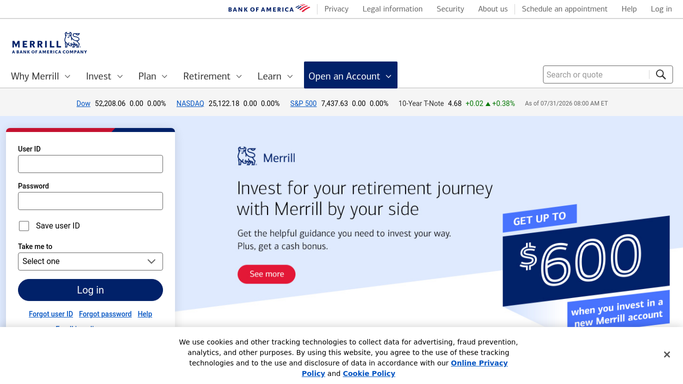
WebRun opens Merrill Edge to check for new documents. - Sign in to Merrill Edge and open the documents area for each account
- Keep the statements and tax forms with a posted date later than the previous run
- Capture the document type, the account it belongs to, the period it covers, and its posted date
Done when Every newly posted statement and tax form is identified with its account and date.
-
2
WhatsApp - alert you the day it posts
whatsapp.com How to Automate WhatsApp

WebRun opens WhatsApp to alert you the day it posts. - Send yourself a short alert naming each new document, its account, and the period it covers
- Mark tax forms clearly so they stand apart from routine monthly statements
- Send the notice only. Never attach or forward the document itself
Done when You have been told the same day about every document that posted.
-
3
Telegram - keep the running index
telegram.org How to Automate Telegram

WebRun opens Telegram to keep the running index. - Append each new document to the running index in your own private channel
- Record the type, account, period, and posted date on one line per document
- Show which expected tax forms for the year have not appeared yet
Done when The index lists every document posted this year and what is still outstanding.
How is each run configured?
Secure by default
Connect once, stays signed in
WebRun signs in once and keeps each session in a persistent environment, so every run picks up right where it left off.
Every action is checked against this policy before it runs.
Questions, answered
Does it send the documents themselves?
No. WebRun sends a notice with the document type, account, and date. The statement or tax form stays in Merrill Edge, so account details never travel through a chat app.
Can it trade or move money?
No. This run reads the documents area only. It never places a trade, transfers funds, changes a beneficiary, or edits any account setting.
How does it know a tax form is missing?
The Telegram index lists the forms you expect for the year per account and marks the ones that have not posted, so a missing form is visible in January instead of in April.
Related templates
Put this on autopilot.
Turn it on in minutes - or have our team set it up for you.