Hand off Mentimeter results before the room even clears
After every training session, WebRun opens Mentimeter, exports the poll and quiz results, creates a Trello follow-up card naming the lowest-scoring topics, and posts a results digest to Microsoft Teams so the trainer and the topic owners see it the same day.
- No credit card
- Under $0.01 per run
- Cancel anytime
How do I follow up on weak topics from a Mentimeter training session?
WebRun exports Mentimeter poll and quiz results after every training session, creates a Trello follow-up card naming the lowest-scoring topics, and posts a results digest to Microsoft Teams, so trainers and topic owners see exactly what needs reinforcing the same day instead of a forgotten export nobody opens.
- Weak topics get a tracked follow-up the same day as the session
- Trainers see ranked results without exporting manually
- Topic owners know exactly what to reinforce next
Built for corporate trainers · L&D teams · conference and workshop organizers · sales enablement teams
What does WebRun do on every run?
The exact actions WebRun takes, in order - in plain language, so you can adjust anything.
-
WebRun signs in and gets to work
Opens
www.mentimeter.comin a real browser with your saved login - no setup, no API keys. -
1
Mentimeter - export session results
mentimeter.com
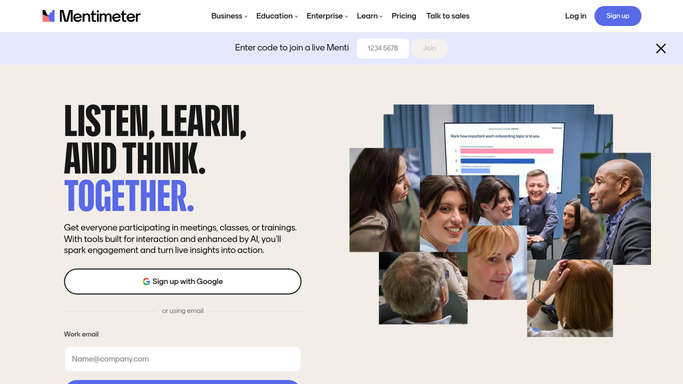
WebRun opens Mentimeter to export session results. - Open the latest presentation's results
- Export poll and quiz answers by question
- Rank questions by lowest correct-answer rate
Done when The session's full results are captured and ranked.
-
2
Trello - create a follow-up card
trello.com How to Automate Trello

WebRun opens Trello to create a follow-up card. - Create a follow-up card for each topic below your accuracy threshold
- Assign it to the topic owner if one is set
- Attach the exported results for reference
Done when Every low-scoring topic has a Trello follow-up card.
-
3
Microsoft Teams - post the results digest
microsoft.com How to Automate Microsoft Teams

WebRun opens Microsoft Teams to post the results digest. - Post the results digest to the training team channel
- Highlight the lowest-scoring questions first
- Link to the new Trello cards for follow-up
Done when The training team has the session's results digest in Teams.
How is each run configured?
Secure by default
Connect once, stays signed in
WebRun signs in once and keeps each session in a persistent environment, so every run picks up right where it left off.
Every action is checked against this policy before it runs.
Questions, answered
Does it name individual attendees who scored low?
No. Mentimeter results are reported by question and topic, not by attendee, so the digest and cards never single anyone out.
Will it only run after live sessions?
It checks for any new session results since the last run, so it works whether your Mentimeter is used live or async.
What threshold triggers a follow-up card?
You set the accuracy threshold. Anything a topic scores below it gets a Trello card, everything above it doesn't.
Related templates
Put this on autopilot.
Turn it on in minutes - or have our team set it up for you.