Catch a broken search index before users notice
Every hour, WebRun opens Meilisearch, checks every index for a failed document import or an indexing error, creates a Trello card naming the index and the error for anything new, and texts the on call engineer through WhatsApp so a broken search index gets fixed before it starts returning incomplete or stale results to users.
- No credit card
- Under $0.01 per run
- Cancel anytime
What does WebRun do on every run?
The exact actions WebRun takes, in order - in plain language, so you can adjust anything.
-
WebRun signs in and gets to work
Opens
cloud.meilisearch.com/loginin a real browser with your saved login - no setup, no API keys. -
1
Meilisearch - check indexes for failed imports
meilisearch.com

WebRun opens Meilisearch to check indexes for failed imports. - Open Meilisearch and check every index's task queue for failed imports or errors
- Capture the index name and the error message for anything that failed
- Skip errors already carded this run
Done when Every index with a failed import or error is listed with its message.
-
2
Trello - card the fix for the team
trello.com How to Automate Trello
WebRun opens Trello to card the fix for the team. - Create a card on the search health board for each newly failed index
- Title it with the index name and error message
- Move the card to done once a run shows the index is healthy again
Done when Every newly failed index has a card, and recovered ones are marked done.
-
3
WhatsApp - text the on call engineer
whatsapp.com How to Automate WhatsApp
WebRun opens WhatsApp to text the on call engineer. - Text the on call engineer the index name and error for each new failure
- Link the Trello card in the message
- Send one message per newly failed index, not a batch
Done when The on call engineer has a text for every newly failed index.
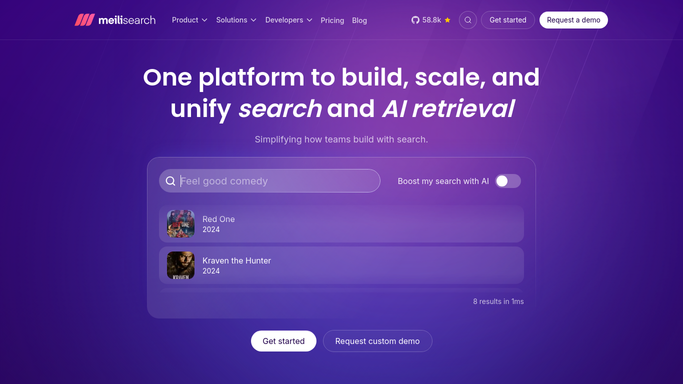


How do I get alerted when a Meilisearch index breaks?
WebRun checks every Meilisearch index every hour for a failed document import or indexing error. It creates a Trello card naming the index and error, and texts the on call engineer through WhatsApp, so a broken search index gets fixed before it starts returning incomplete or stale results to users.
- Broken indexes get a text to on call within the hour
- Every incident has a tracked Trello card until it's fixed
- Search results stay accurate since stale indexes get caught fast
Built for backend engineering teams · platform teams · search infrastructure owners · DevOps
How is each run configured?
Secure by default
Connect once, stays signed in
WebRun signs in once and keeps each session in a persistent environment, so every run picks up right where it left off.
Every action is checked against this policy before it runs.
Questions, answered
Will it retry the import or rebuild the index?
No. WebRun only reports the failure. Retrying an import or rebuilding an index is always done by your engineer.
How fast does a broken index get reported?
Within the hour it happens, since every index's task queue is checked each hour.
What happens once the index is fixed?
Its Trello card moves to done automatically the next time the check shows the index is healthy.
Related templates
Put this on autopilot.
Turn it on in minutes - or have our team set it up for you.