Get event-ready before every Meetup automatically
Every morning, WebRun opens Meetup, checks the RSVP count for any event happening in the next 3 days, syncs the current headcount to Google Calendar, and sends your organizer team a WhatsApp checklist covering venue capacity, supplies, and who's confirmed to help run it.
- No credit card
- Under $0.01 per run
- Cancel anytime
How do I get ready for a Meetup event before it happens?
WebRun checks Meetup every morning for any event happening in the next 3 days, syncs the current RSVP headcount to Google Calendar, and sends your organizer team a WhatsApp checklist covering capacity and prep tasks. It never messages attendees directly, keeping all outreach to members in your team's hands.
- Organizer teams get a prep checklist days before the event, not the morning of
- Capacity issues get flagged before an event overfills
- Headcounts stay current on the calendar without manual checking
Built for Event organizers · community managers · meetup group leaders · local chapter organizers
What does WebRun do on every run?
The exact actions WebRun takes, in order - in plain language, so you can adjust anything.
-
WebRun signs in and gets to work
Opens
www.meetup.com/loginin a real browser with your saved login - no setup, no API keys. -
1
Meetup - check RSVP counts for upcoming events
meetup.com
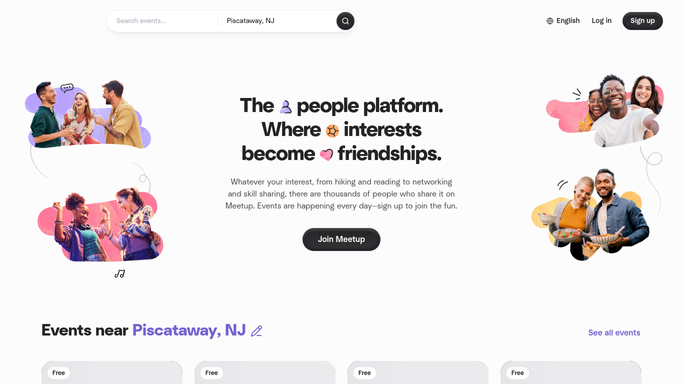
WebRun opens Meetup to check RSVP counts for upcoming events. - Open Meetup and find any event happening in the next 3 days
- Check the current RSVP count and any waitlist
- Note capacity against the venue limit
Done when Every event in the next 3 days has its current RSVP count recorded.
-
2
Google Calendar - sync the current headcount
calendar.google.com How to Automate Google Calendar

WebRun opens Google Calendar to sync the current headcount. - Open the event on Google Calendar
- Update the event description with the current headcount
- Flag the event if it's approaching venue capacity
Done when The calendar event reflects the current RSVP headcount.
-
3
WhatsApp - send the organizer prep checklist
whatsapp.com How to Automate WhatsApp

WebRun opens WhatsApp to send the organizer prep checklist. - Send the organizer team a WhatsApp prep checklist for the event
- Include headcount, capacity status, and confirmed helpers
- List anything that still needs sorting before the event
Done when The organizer team has a prep checklist for every event in the next 3 days.
How is each run configured?
Secure by default
Connect once, stays signed in
WebRun signs in once and keeps each session in a persistent environment, so every run picks up right where it left off.
Every action is checked against this policy before it runs.
Questions, answered
Does WebRun message RSVP'd members directly?
No. The WhatsApp checklist goes to your organizer team, not to attendees. WebRun never contacts a member on its own.
What if an event is close to capacity?
It flags the event on the calendar and in the checklist so organizers can decide whether to close RSVPs or find a bigger venue.
How far ahead does it start checking an event?
It starts flagging events 3 days out, giving the team enough runway to handle supplies, capacity, or last-minute changes.
Related templates
Put this on autopilot.
Turn it on in minutes - or have our team set it up for you.