Get a daily digest of your LogicGate risk register
Every morning, WebRun opens LogicGate, reviews the risk register and compliance task list, posts a Slack summary of what's new and what's overdue, and sends a Telegram escalation for anything overdue and marked high severity.
- No credit card
- Under $0.01 per run
- Cancel anytime
How do I get a daily summary of my LogicGate risk register?
WebRun reviews your LogicGate risk register and compliance task list every morning. It posts a Slack digest of what's new and what's overdue, grouped by severity, and sends a separate Telegram escalation for anything overdue and rated high severity, so the risks that matter most never wait for someone to open the dashboard.
- The full risk register gets summarized every morning without a manual pull
- High severity overdue items get a separate, fast escalation
- Closed items are reflected automatically so the digest stays accurate
Built for risk and compliance teams · GRC managers · internal audit · operations risk owners
What does WebRun do on every run?
The exact actions WebRun takes, in order - in plain language, so you can adjust anything.
-
WebRun signs in and gets to work
Opens
www.logicgate.comin a real browser with your saved login - no setup, no API keys. -
1
LogicGate - review risk register and tasks
logicgate.com
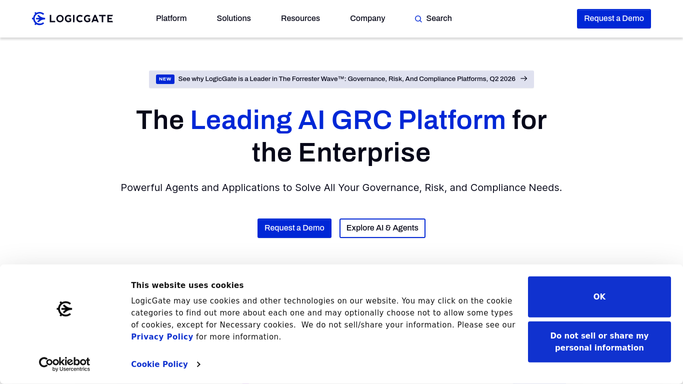
WebRun opens LogicGate to review risk register and tasks. - Open LogicGate and review the risk register and compliance task list
- Note items created since the last run and tasks past their due date
- Capture the severity rating for each
Done when Every new and overdue item is listed with its severity.
-
2
Slack - post the daily digest
slack.com How to Automate Slack

WebRun opens Slack to post the daily digest. - Post a summary of new risks and overdue tasks to the risk channel
- Group by severity so the highest risk items sit at the top
- Include a count of items closed since yesterday
Done when The risk channel has today's digest.
-
3
Telegram - escalate overdue high severity items
telegram.org How to Automate Telegram

WebRun opens Telegram to escalate overdue high severity items. - Send a separate alert for anything overdue and rated high severity
- Include the item name, owner, and days overdue
- Keep the escalation list short so it doesn't get ignored
Done when Every high severity overdue item has a Telegram escalation.
How is each run configured?
Secure by default
Connect once, stays signed in
WebRun signs in once and keeps each session in a persistent environment, so every run picks up right where it left off.
Every action is checked against this policy before it runs.
Questions, answered
Does it close out risks or tasks on its own?
No. WebRun only reads the risk register and reports what it finds. Closing a risk, updating its status, or reassigning an owner stays with your team.
How is severity decided?
It uses the severity rating already set on each item in LogicGate. WebRun doesn't score or re-rate risks itself.
Why a separate Telegram alert instead of just Slack?
High severity overdue items need to get seen fast, so they get their own short escalation instead of being buried in the full daily digest.
Related templates
Put this on autopilot.
Turn it on in minutes - or have our team set it up for you.