Automated Litify Intake to Attorney Handoff
Every hour, WebRun checks Litify for new intakes, reads each case's type and details, matches it to the right attorney by practice area, logs the handoff to an Airtable tracker, and writes a short case brief to Notion so the attorney can pick it up immediately.
How do I route new Litify intakes to the right attorney?
WebRun checks Litify every hour for new intakes, reads the case type and details, and routes each one to the right attorney by practice area. It logs the handoff to Airtable and writes a short case brief in Notion, so a new intake reaches a qualified attorney with context, fast.
- New intakes are routed to a qualified attorney within the hour
- Every handoff comes with a ready case brief instead of a raw record
- Practice areas stay balanced since routing follows expertise, not guesswork
Built for law firm intake teams · legal operations managers · practice group leaders · case management staff
What does WebRun do on every run?
The exact actions WebRun takes, in order - in plain language, so you can adjust anything.
-
WebRun signs in and gets to work
Opens
www.litify.comin a real browser with your saved login - no setup, no API keys. -
1
Litify - check for new intakes
litify.com
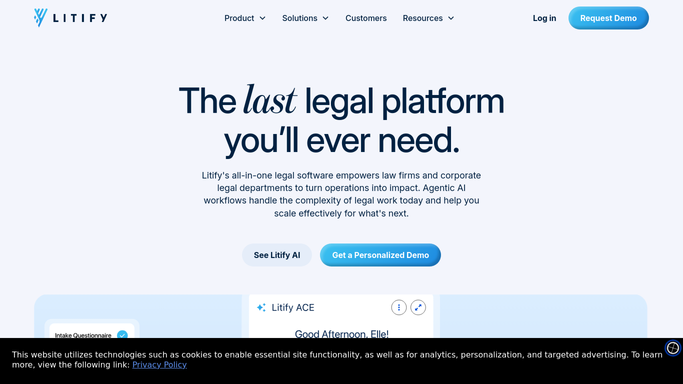
WebRun opens Litify to check for new intakes. - Open Litify and review new intakes
- Read the case type, jurisdiction, and details for each
- Match each intake to the attorney who handles that practice area
Done when Every new intake has been matched to an attorney.
-
2
Airtable - log the handoff by practice area
airtable.com

WebRun opens Airtable to log the handoff by practice area. - Open the intake handoff tracker in Airtable
- Add a row per intake with the assigned attorney and practice area
- Mark the handoff status as sent
Done when Every new intake is logged with its assigned attorney.
-
3
Notion - write a case brief for the attorney
notion.so

WebRun opens Notion to write a case brief for the attorney. - Open the case briefs page in Notion
- Write a short brief summarizing the case type and key details
- Tag the assigned attorney on the brief
Done when Every routed intake has a case brief ready in Notion.
How is each run configured?
Secure by default
Connect once, stays signed in
WebRun signs in once and keeps each session in a persistent environment, so every run picks up right where it left off.
Every action is checked against this policy before it runs.
Questions, answered
Will it contact the prospective client?
No. WebRun only routes the intake internally and writes a brief. It never contacts a prospective client or sends an engagement letter on its own.
How does it decide which attorney gets the case?
It matches the case type and practice area from Litify to the attorney who handles that kind of matter, so intakes reach someone qualified to act.
What's in the case brief?
A short summary of the case type, jurisdiction, and the key details from the intake, so the assigned attorney can pick it up without re-reading the whole file.
Related templates
Put this on autopilot.
Turn it on in minutes - or have our team set it up for you.