Turn LifeLock alerts into an instant, tracked response
Every hour, WebRun opens LifeLock, checks for any new identity alert such as a dark web exposure, new credit inquiry, or address change, logs each one as a Trello card, and pings you on WhatsApp so nothing sits unread.
- No credit card
- Under $0.01 per run
- Cancel anytime
What does WebRun do on every run?
The exact actions WebRun takes, in order - in plain language, so you can adjust anything.
-
WebRun signs in and gets to work
Opens
lifelock.norton.comin a real browser with your saved login - no setup, no API keys. -
1
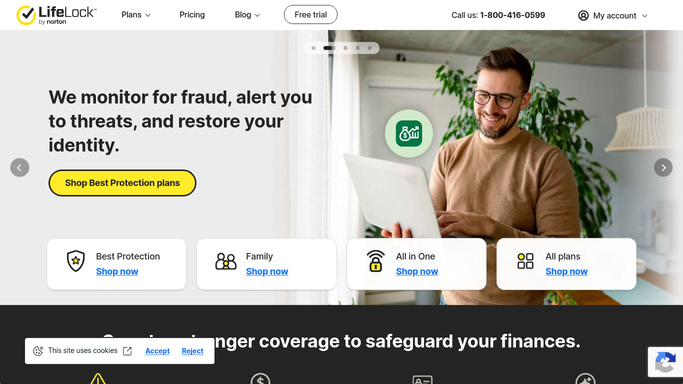
LifeLock - check for new identity alerts
lifelock.com

WebRun opens LifeLock to check for new identity alerts. - Open the LifeLock alerts dashboard
- Check for any new alert since the last run, such as a dark web exposure or a credit inquiry
- Read the alert type and the date it was detected
Done when Every alert raised since the last check has been read.
-
2
Trello - log a tracking card
trello.com How to Automate Trello
WebRun opens Trello to log a tracking card. - Open the identity alert tracking board in Trello
- Add a card for each new alert with its type and detected date
- Move a card to Resolved only once you mark it handled
Done when Every new alert has a Trello card in the To Review list.
-
3
WhatsApp - ping you right away
whatsapp.com How to Automate WhatsApp
WebRun opens WhatsApp to ping you right away. - Send yourself a WhatsApp message naming the new alert and its type
- Keep the message short: what was flagged and when
- Never respond to the alert or contact a third party on your behalf
Done when You have been pinged on WhatsApp for every new alert this run.


How do I get notified right away about a new LifeLock identity alert?
WebRun checks LifeLock every hour for new identity alerts such as a dark web exposure or a credit inquiry, logs each one as a Trello card, and pings you on WhatsApp right away. It only reads and tracks alerts, so freezing credit or contacting a bureau always stays your own decision.
- Every new identity alert is tracked, not just emailed and forgotten
- You are pinged on WhatsApp within the hour of a new alert
- Credit freezes and bureau contact always stay your own decision
Built for small business owners · individuals monitoring identity risk · families · finance and ops leads
How is each run configured?
Secure by default
Connect once, stays signed in
WebRun signs in once and keeps each session in a persistent environment, so every run picks up right where it left off.
Every action is checked against this policy before it runs.
Questions, answered
Will WebRun freeze my credit or contact a bureau for me?
No. WebRun only reads and tracks the alert. Freezing credit, disputing a charge, or contacting a credit bureau or bank is always left for you to do.
How fast will I know about a new alert?
Within the hour. WebRun checks LifeLock on an hourly schedule and pings you on WhatsApp as soon as it finds something new.
Does WebRun ever see my full identity or financial details?
No. It only reads the alert type and date that LifeLock itself surfaces. It never opens or handles underlying account numbers or documents.
Related templates
Put this on autopilot.
Turn it on in minutes - or have our team set it up for you.