Alert on Lark approvals stuck too long
Every hour, WebRun opens Lark's Approval app, finds requests that have been pending past your set threshold, creates a Trello card to track each stuck request, and sends the approver a WhatsApp ping once it has waited over a day, so approvals stop stalling in the queue.
- No credit card
- Under $0.01 per run
- Cancel anytime
What does WebRun do on every run?
The exact actions WebRun takes, in order - in plain language, so you can adjust anything.
-
WebRun signs in and gets to work
Opens
www.larksuite.comin a real browser with your saved login - no setup, no API keys. -
1
Lark - find stuck approvals
larksuite.com

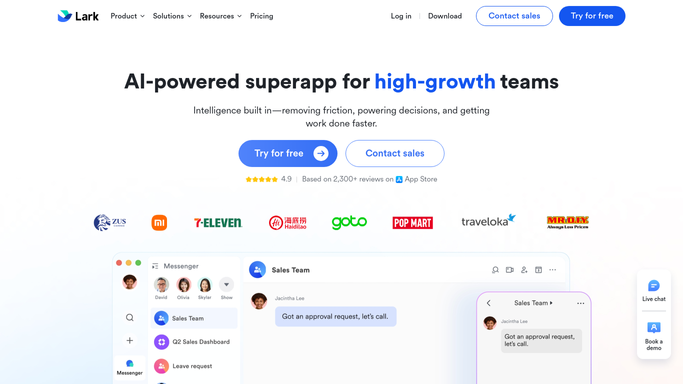
WebRun opens Lark to find stuck approvals. - Open Lark and go to the Approval app
- Filter to requests still pending past your threshold
- Note the requester, approver, and how long it's waited
Done when Every stuck approval is listed with its approver.
-
2
Trello - track each request
trello.com How to Automate Trello
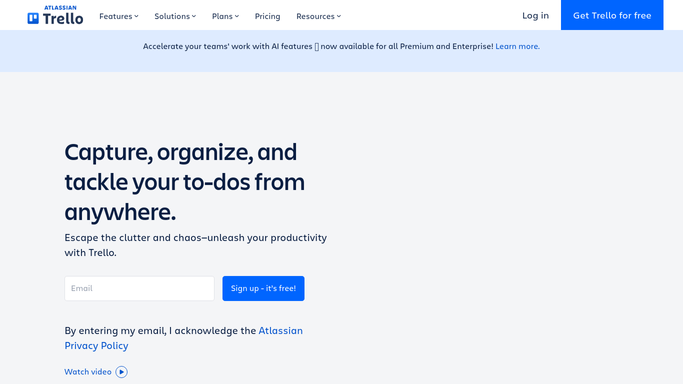
WebRun opens Trello to track each request. - Create a card on the approvals board for each stuck request
- Fill in the requester, approver, and wait time
- Move the card once the approval clears in Lark
Done when Every stuck approval has a tracked Trello card.
-
3
WhatsApp - ping the approver
whatsapp.com How to Automate WhatsApp
WebRun opens WhatsApp to ping the approver. - Message the approver once their request has waited over a day
- Include the request type and how long it's been pending
- Leave the approval decision to the approver in Lark
Done when Every approver with a day-old request has a WhatsApp ping.

How do I stop Lark approval requests from stalling?
WebRun checks Lark's Approval app every hour for requests pending past your threshold, creates a Trello card to track each stuck one, and pings the approver on WhatsApp once it has waited over a day. Approval decisions stay in Lark with a human, so nothing gets approved or rejected automatically.
- Stuck approvals get tracked the same hour they stall
- Approvers get pinged only once a request is truly overdue
- Nothing sits in the Lark approval queue unnoticed
Built for Operations teams · HR and finance approvers · fast-growing startups · distributed teams
How is each run configured?
Secure by default
Connect once, stays signed in
WebRun signs in once and keeps each session in a persistent environment, so every run picks up right where it left off.
Every action is checked against this policy before it runs.
Questions, answered
Does WebRun approve requests in Lark?
No. It only tracks and chases. Every approval or rejection decision happens in Lark, made by the approver themselves.
How long before an approver gets pinged?
Once a request has been pending for over a day. Anything still within a normal turnaround doesn't trigger a WhatsApp message.
What happens to the Trello card once approved?
WebRun checks Lark each hour, so once a request clears, its card stops being flagged as stuck on the next run.
Related templates
Put this on autopilot.
Turn it on in minutes - or have our team set it up for you.