Reconcile your files across every cloud connected to Koofr
Every night, WebRun opens Koofr, compares files across every connected cloud like Dropbox, Google Drive, and OneDrive, logs duplicates and conflicts to Airtable, and writes a weekly reconciliation note in Notion.
- No credit card
- Under $0.01 per run
- Cancel anytime
What does WebRun do on every run?
The exact actions WebRun takes, in order - in plain language, so you can adjust anything.
-
WebRun signs in and gets to work
Opens
koofr.euin a real browser with your saved login - no setup, no API keys. -
1
Koofr - compare files across connected clouds
koofr.eu

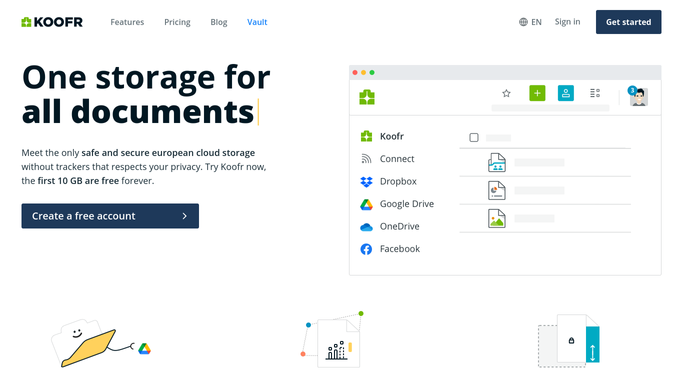
WebRun opens Koofr to compare files across connected clouds. - Open the unified view and check each connected cloud account
- Find files with the same name and different versions across clouds
- Note which cloud holds the newest version of each
Done when Every duplicate or conflicting file across connected clouds is identified.
-
2
Airtable - log duplicates and conflicts
airtable.com How to Automate Airtable
WebRun opens Airtable to log duplicates and conflicts. - Log each duplicate or conflict as a row with the clouds involved
- Note which version looks newest
- Mark resolved items from a prior run as closed
Done when Every open duplicate or conflict has a row in Airtable.
-
3
Notion - publish the weekly note
notion.so How to Automate Notion
WebRun opens Notion to publish the weekly note. - Publish a weekly note summarizing how many conflicts were found
- List the accounts with the most duplicates
- Leave the actual file cleanup for you to do
Done when This week's reconciliation note is published in Notion.


How do I find duplicate files across the clouds connected to Koofr?
WebRun compares your files across every cloud connected to Koofr each night, from Dropbox to Google Drive to OneDrive, and finds names with conflicting or duplicate versions. It logs each one to Airtable and writes a weekly summary note in Notion, so scattered storage gets a clear reconciliation log without manual cross-checking.
- Duplicate and conflicting files logged every night automatically
- Newest version flagged instead of guessing by file name
- Resolved conflicts close themselves out on the next run
Built for IT admins · freelancers · small business owners · remote teams
How is each run configured?
Secure by default
Connect once, stays signed in
WebRun signs in once and keeps each session in a persistent environment, so every run picks up right where it left off.
Every action is checked against this policy before it runs.
Questions, answered
Will it delete duplicate files or merge them for me?
No. WebRun only finds and logs duplicates and conflicts. Deleting or merging a file is a decision you make yourself.
How does it know which version is newest?
It compares the last modified date across each connected cloud, so the note points you at the most likely current version.
What happens to a conflict once I fix it?
It checks the live file list each night, so a resolved conflict is marked closed in Airtable on the next run.
Related templates
Put this on autopilot.
Turn it on in minutes - or have our team set it up for you.