Hand off new Jumpshare recordings to the right teammate
Every few minutes, WebRun checks Jumpshare for newly shared recordings and files, saves a copy to the right folder in Google Drive, and texts the intended recipient through Twilio with the link.
- No credit card
- Under $0.01 per run
- Cancel anytime
What does WebRun do on every run?
The exact actions WebRun takes, in order - in plain language, so you can adjust anything.
-
WebRun signs in and gets to work
Opens
jumpshare.comin a real browser with your saved login - no setup, no API keys. -
1
Jumpshare - find newly shared files
jumpshare.com

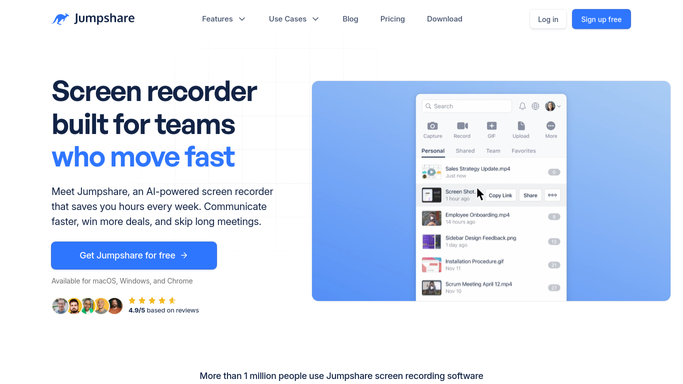
WebRun opens Jumpshare to find newly shared files. - Check for recordings, screenshots, or files shared since the last run
- Read the title, sharer, and intended recipient for each
- Skip anything already archived
Done when Every newly shared item since the last check is captured.
-
2
Google Drive - archive a copy
drive.google.com How to Automate Google Drive
WebRun opens Google Drive to archive a copy. - Save a copy of each new item to the team's shared folder
- Name the file to match its Jumpshare title
- Keep the folder organized by sharer
Done when Every new item has a copy saved in Google Drive.
-
3
Twilio - text the recipient
twilio.com How to Automate Twilio
WebRun opens Twilio to text the recipient. - Text the intended recipient that a new file is ready
- Include the Jumpshare link and a one line description
- Skip the text if the recipient already opened the link
Done when The recipient has been texted about the new file.


How do I make sure new Jumpshare shares reach the right person right away?
WebRun checks Jumpshare every few minutes for newly shared recordings, screenshots, and files, saving a copy of each to the right folder in Google Drive. It then texts the intended recipient through Twilio with the link, so a new share reaches the right person within minutes instead of sitting unopened.
- New shares reach the right person within minutes
- Every recording and file backed up to Drive automatically
- No duplicate texts once a link has been opened
Built for creative teams · remote teams · support teams · freelancers
How is each run configured?
Secure by default
Connect once, stays signed in
WebRun signs in once and keeps each session in a persistent environment, so every run picks up right where it left off.
Every action is checked against this policy before it runs.
Questions, answered
Will it text anyone outside the team?
No. WebRun only texts the recipient you already shared the file with inside Jumpshare. It never adds a new contact or reaches an outside customer.
Does it delete the file from Jumpshare after archiving?
No. It only saves a copy to Google Drive. The original stays in Jumpshare untouched.
What if the recipient already saw the file?
It skips the text once the Jumpshare link shows as opened, so no one gets a redundant notification.
Related templates
Put this on autopilot.
Turn it on in minutes - or have our team set it up for you.