Fill next week's rota gaps before you publish it
Every Monday, WebRun opens Homebase, reads next week's draft schedule, finds every shift still uncovered, checks availability and approved time off, sends the manager a Telegram coverage list of who could take each gap, and queues a text per candidate for approval.
- No credit card
- Under $0.01 per run
- Cancel anytime
What does WebRun do on every run?
The exact actions WebRun takes, in order - in plain language, so you can adjust anything.
-
WebRun signs in and gets to work
Opens
app.joinhomebase.comin a real browser with your saved login - no setup, no API keys. -
1
Homebase - find next week's open shifts
joinhomebase.com

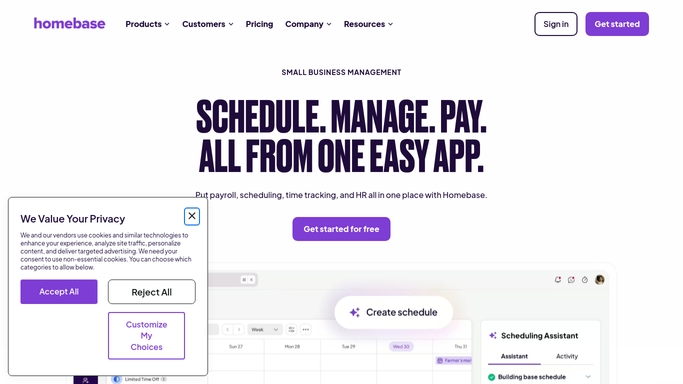
WebRun opens Homebase to find next week's open shifts. - Open Homebase and load next week's draft schedule
- List every shift with no employee assigned, by day and by role
- Read employee availability and approved time off for those days
- Add up scheduled hours per person so anyone near overtime is visible
- Match each open shift to the staff who are free, qualified, and under their hours
Done when Every uncovered shift next week has a list of staff who could take it.
-
2
Telegram - send the coverage list
telegram.org How to Automate Telegram
WebRun opens Telegram to send the coverage list. - Send the manager the count of open shifts and the days worst affected
- List each gap with the role, the hours, and two or three names who are free
- Mark shifts where nobody is available as needing a different plan
- Link back to the schedule so the assignment is one tap away
Done when The manager has next week's coverage list on Telegram.
-
3
Twilio - queue texts for approval
twilio.com How to Automate Twilio
WebRun opens Twilio to queue texts for approval. - Write a short text per candidate offering the shift with its day and hours
- Queue every message as a draft for the manager to approve
- Send nothing until the manager confirms who to ask
- Never assign a shift or publish the schedule. That stays the manager's call
Done when Candidate texts are queued and waiting on the manager's approval.


How do I fill open shifts before I publish next week's schedule?
Every Monday WebRun opens Homebase, reads next week's draft schedule, and finds every shift still uncovered. It checks availability and approved time off, lists the staff free for each gap and not already near overtime, sends the manager the coverage list on Telegram, and queues a text per candidate to approve.
- The rota goes out complete instead of being patched by text on the day
- Nobody is offered a shift that would tip them into overtime
- Shifts with nobody available are flagged while there is still time to plan
Built for restaurant managers · retail store managers · hospitality operators · shift-based businesses
How is each run configured?
Secure by default
Connect once, stays signed in
WebRun signs in once and keeps each session in a persistent environment, so every run picks up right where it left off.
Every action is checked against this policy before it runs.
Questions, answered
Will it text staff without asking me?
No. Every candidate text is queued as a draft and sits unsent until the manager approves it. Staff hear from you, not from an automation.
Can it assign shifts or publish the rota?
No. WebRun never assigns a person to a shift or publishes the schedule. It prepares the coverage list and the manager makes the call in Homebase.
Does it avoid pushing people into overtime?
Yes. It adds up each person's scheduled hours for the week and leaves anyone already close to their overtime threshold off the suggestion list for that shift.
Related templates
Put this on autopilot.
Turn it on in minutes - or have our team set it up for you.