Spot students who stopped practising in IXL
Every school morning, WebRun signs into IXL, opens the usage report for each of your classes, finds students with no practice time in the last three school days, writes them into an Airtable follow-up table, and refreshes the chase list on your Notion page.
- No credit card
- Under $0.01 per run
- Cancel anytime
How do I find students who have stopped practising in IXL?
WebRun opens IXL every school morning and reads the usage report for each of your classes. It flags students with no practice in the last three school days, logs each one to Airtable with the days since they last worked, and refreshes a grouped chase list on your Notion follow-up page.
- Students who drift off are spotted in days rather than at report time
- Teachers open Notion to a short chase list instead of a raw usage export
- Every check-in has a dated Airtable row so nothing gets chased twice
Built for classroom teachers · school administrators · tutoring centres · intervention coordinators
What does WebRun do on every run?
The exact actions WebRun takes, in order - in plain language, so you can adjust anything.
-
WebRun signs in and gets to work
Opens
www.ixl.comin a real browser with your saved login - no setup, no API keys. -
1
IXL - read class usage
ixl.com
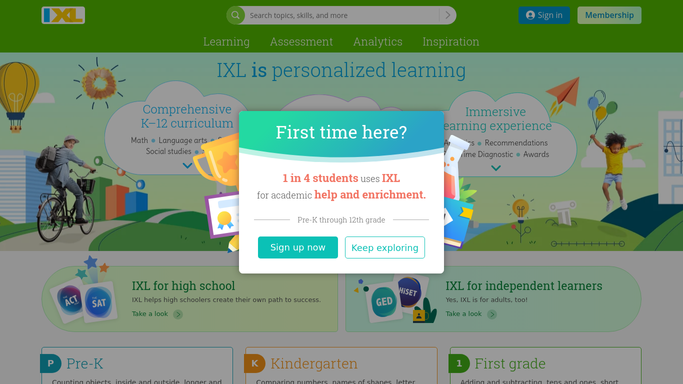
WebRun opens IXL to read class usage. - Sign into IXL and open the usage report for each class you teach
- Read practice time and questions answered per student for the last three school days
- Flag any student with no recorded practice in that window
- Note how many days it has been since each flagged student last practised
Done when Every class has been checked and each inactive student has a days-since-practice figure.
-
2
Airtable - log inactive students
airtable.com How to Automate Airtable

WebRun opens Airtable to log inactive students. - Open your student follow-up base in Airtable
- Add or update a row per inactive student with the class, days since last practice, and last skill worked on
- Set the status to Needs check-in and stamp today's date
- Close the rows of students who practised again since the last run
Done when The Airtable follow-up table matches today's IXL usage.
-
3
Notion - refresh the chase list
notion.so How to Automate Notion

WebRun opens Notion to refresh the chase list. - Open the class follow-up page in Notion
- Replace the chase list with today's inactive students, grouped by class
- Put the longest gaps at the top so the students who dropped off first get chased first
- Leave last week's list underneath as a short history
Done when The Notion follow-up page shows today's chase list by class.
How is each run configured?
Secure by default
Connect once, stays signed in
WebRun signs in once and keeps each session in a persistent environment, so every run picks up right where it left off.
Every action is checked against this policy before it runs.
Questions, answered
Does it contact students or parents?
No. WebRun only builds an internal list in Airtable and Notion for you. It never emails a family, messages a student, or assigns work in IXL.
How many days of silence counts as inactive?
Three school days by default, and you can set any window you prefer. Weekends and holidays are excluded so a normal school break never shows up as a drop-off.
Does it change anything in IXL?
No. WebRun reads the usage reports only. Skills, assignments, grades, and student accounts are left exactly as they are.
Related templates
Put this on autopilot.
Turn it on in minutes - or have our team set it up for you.