Flag missing isolved onboarding documents for HR
Every morning, WebRun opens isolved, checks each new hire's onboarding document status, saves an updated checklist to Google Drive, and texts the HR admin a list of who's still missing paperwork before their start date.
- No credit card
- Under $0.01 per run
- Cancel anytime
What does WebRun do on every run?
The exact actions WebRun takes, in order - in plain language, so you can adjust anything.
-
WebRun signs in and gets to work
Opens
isolvedhcm.comin a real browser with your saved login - no setup, no API keys. -
1
isolved - check onboarding document status
isolvedhcm.com

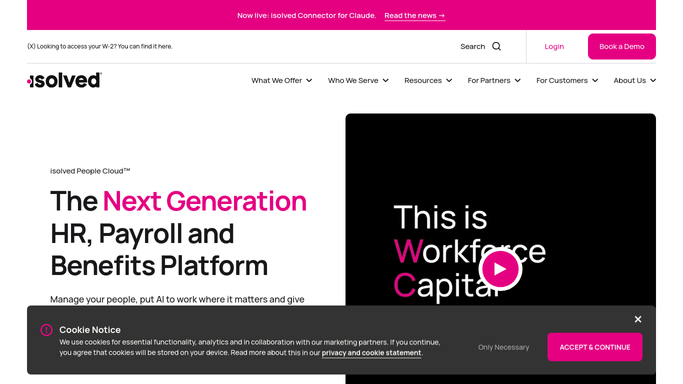
WebRun opens isolved to check onboarding document status. - Open isolved and check each new hire's onboarding tasks
- Read which documents are submitted and which are outstanding
- Flag any hire within 5 days of their start date with gaps
Done when Every new hire's document status is captured.
-
2
Google Drive - save the document checklist
drive.google.com How to Automate Google Drive
WebRun opens Google Drive to save the document checklist. - Save an updated checklist file per new hire
- List submitted and outstanding documents with the start date
- Keep the file in the shared onboarding folder
Done when An up-to-date checklist exists for every new hire in Drive.
-
3
Twilio - text the HR admin
twilio.com How to Automate Twilio
WebRun opens Twilio to text the HR admin. - Text the HR admin a list of hires missing paperwork close to their start date
- Name the hire, start date, and missing document
- Leave the follow-up with the new hire to the HR admin
Done when The HR admin is texted about any at-risk start date.


How do I catch missing isolved onboarding paperwork before a new hire's start date?
WebRun checks isolved every morning for new hires with outstanding onboarding paperwork, saves an updated document checklist to Google Drive, and texts the HR admin a list of anyone missing documents close to their start date. It flags gaps early so your team can follow up before day one, without ever contacting the new hire itself.
- Missing paperwork gets caught before the start date, not after
- HR gets a same-day text for at-risk new hires
- A current document checklist stays on file in Drive
Built for HR administrators · onboarding coordinators · payroll teams · HR shared services
How is each run configured?
Secure by default
Connect once, stays signed in
WebRun signs in once and keeps each session in a persistent environment, so every run picks up right where it left off.
Every action is checked against this policy before it runs.
Questions, answered
Does it text the new hire to chase documents?
No. WebRun texts your HR admin only. Any outreach to the new hire about missing paperwork is still a message your team sends.
What documents does it track?
Whatever isolved already tracks as onboarding tasks for that hire, such as tax forms, direct deposit, and identity verification. WebRun doesn't add new requirements.
How close to the start date does it escalate?
It flags any hire within 5 days of their start date who still has outstanding documents, so HR has time to follow up before day one.
Related templates
Put this on autopilot.
Turn it on in minutes - or have our team set it up for you.