Review who still has access to your data room
Every Monday, WebRun opens Intralinks, reads every user in the data room with their permission role and last activity, books a short review slot in Google Calendar when access needs pulling, and sends the deal lead a Telegram list grouped by role.
- No credit card
- Under $0.01 per run
- Cancel anytime
How do I review who still has access to a virtual data room?
WebRun opens your Intralinks data room every Monday and lists every user with their permission role and last document activity. It books a Google Calendar review slot when access needs pulling and sends the deal lead a Telegram list grouped by role, so nobody keeps access after their part is done.
- Access is pulled from people whose part in the deal has ended
- Wide permissions with no recent activity sit at the top of the list
- No file is ever opened or downloaded during the review
Built for deal leads · corporate development · M&A advisors · legal operations
What does WebRun do on every run?
The exact actions WebRun takes, in order - in plain language, so you can adjust anything.
-
WebRun signs in and gets to work
Opens
www.intralinks.comin a real browser with your saved login - no setup, no API keys. -
1
Intralinks - list users and permission roles
intralinks.com
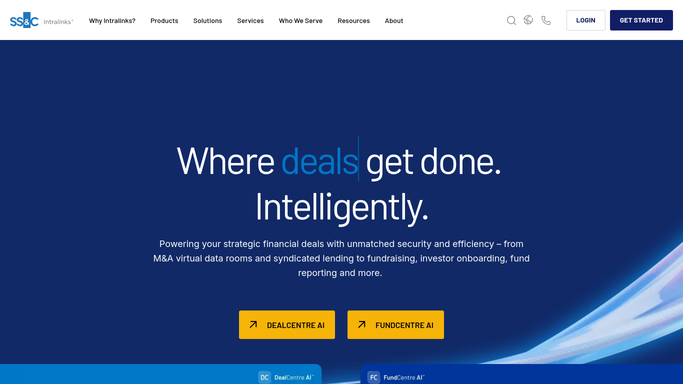
WebRun opens Intralinks to list users and permission roles. - Open the data room and list every user with the permission role they hold
- Read the activity reports for the last time each user opened a document
- Flag users with no activity inside your review window and anyone whose role grants download or full document access
Done when Every data room user is listed with role and last activity.
-
2
Google Calendar - book the access review slot
calendar.google.com How to Automate Google Calendar

WebRun opens Google Calendar to book the access review slot. - Book a short access review slot when the list contains users flagged for removal
- Put the count of flagged users in the event title so the agenda is obvious
- Skip the booking in weeks where nothing is flagged, so the slot means something
Done when A review slot exists for any week with flagged access.
-
3
Telegram - send the access list
telegram.org How to Automate Telegram

WebRun opens Telegram to send the access list. - Send the deal lead the access list grouped by permission role
- Put users with wide permissions and no recent activity at the top
- Report only. WebRun never removes a user, changes a role or revokes access on its own
Done when The deal lead has this week's access list in Telegram.
How is each run configured?
Secure by default
Connect once, stays signed in
WebRun signs in once and keeps each session in a persistent environment, so every run picks up right where it left off.
Every action is checked against this policy before it runs.
Questions, answered
Will it remove people from the data room?
No. WebRun reads membership and reports it. Revoking access, changing a permission role or removing a user stays a manual action the deal lead takes in Intralinks.
Does it open or download the documents?
No. WebRun reads the user list, permission roles and activity reports. It never opens a confidential file and never downloads anything from the room.
Can it tell whose involvement in the deal has ended?
It flags users with no document activity inside your review window and shows their role, so the lead can judge quickly. The removal decision always stays with a person.
Related templates
Put this on autopilot.
Turn it on in minutes - or have our team set it up for you.