Catch the payments that should not be there
Every morning, WebRun signs in to your ING account, reads yesterday's transactions and the closing balance, flags any payment above your threshold, any first-time payee and any duplicate charge, opens a Trello card for each one to be checked, and texts you through Twilio when a flagged item is large.
- No credit card
- Under $0.01 per run
- Cancel anytime
How do I get alerted about unusual payments on my bank account?
WebRun signs in to ING every morning, reads yesterday's transactions and the closing balance, and flags payments above your threshold, first-time payees and possible duplicates. It opens a labelled Trello card for each exception and texts you through Twilio when a flagged payment is large.
- A wrong or duplicate payment is questioned the next morning
- Every first-time payee gets a second pair of eyes
- The bank account is only ever read, never instructed
Built for finance managers · small business owners · bookkeepers · treasury teams
What does WebRun do on every run?
The exact actions WebRun takes, in order - in plain language, so you can adjust anything.
-
WebRun signs in and gets to work
Opens
www.ing.comin a real browser with your saved login - no setup, no API keys. -
1
ING - read yesterday's transactions
ing.com
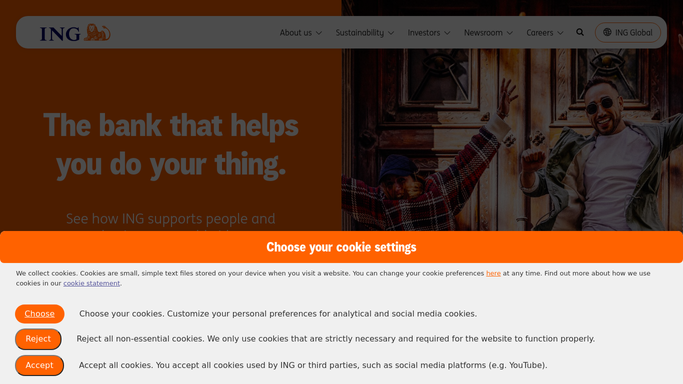
WebRun opens ING to read yesterday's transactions. - Sign in to your ING account and open the transaction list for yesterday
- Record each debit and credit with the counterparty, the amount and the reference
- Flag any payment above the amount threshold you set
- Flag any counterparty that has not appeared in the last 90 days, since a first-time payee is worth a look
- Flag two payments to the same counterparty for the same amount on the same day as a possible duplicate
- Record the closing balance. Make no payment, no transfer and no change to a beneficiary at any point
Done when Yesterday's transactions are read and the exceptions are flagged with a reason.
-
2
Trello - open a card per exception
trello.com How to Automate Trello

WebRun opens Trello to open a card per exception. - Open your finance board in Trello
- Create one card per flagged transaction in the To check list
- Title it with the counterparty and the amount, and put the reason for the flag in the description
- Label the card as large payment, new payee or possible duplicate
- Shorten the account reference so no full account number is written onto the board
Done when Every flagged transaction has a labelled Trello card waiting to be checked.
-
3
Twilio - text you about the big ones
twilio.com How to Automate Twilio

WebRun opens Twilio to text you about the big ones. - Text the account owner through Twilio when a flagged payment is above the urgent threshold
- State the counterparty, the amount, the reason it was flagged and the closing balance
- Send to your own configured number only, never to a counterparty
- Send nothing on a day where every transaction looked normal
Done when The owner has been texted about any large exception, or the day was clean.
How is each run configured?
Secure by default
Connect once, stays signed in
WebRun signs in once and keeps each session in a persistent environment, so every run picks up right where it left off.
Every action is checked against this policy before it runs.
Questions, answered
Can it move money or make a payment?
No. WebRun only reads your ING transaction list and balance. It never makes a payment, approves one, sets up a beneficiary or changes a standing order. Every instruction that moves money stays with you.
Are my account details written into Trello?
No full account numbers are written anywhere. Cards carry the counterparty name, the amount, the reason for the flag and a shortened reference, and the board stays inside your own workspace.
What makes a transaction unusual?
Three things: an amount above the threshold you set, a counterparty that has not appeared in the last 90 days, or two identical payments to the same counterparty on the same day. Each card says which rule fired.
Related templates
Put this on autopilot.
Turn it on in minutes - or have our team set it up for you.