Get alerted when an InfluxDB metric crosses its threshold
Every hour, WebRun opens InfluxDB, queries your monitored bucket's latest values against the threshold rule you set, messages the on-call engineer on WhatsApp the moment it's breached, and schedules an investigation block on Google Calendar if it's still open.
- No credit card
- Under $0.01 per run
- Cancel anytime
What does WebRun do on every run?
The exact actions WebRun takes, in order - in plain language, so you can adjust anything.
-
WebRun signs in and gets to work
Opens
influxdata.comin a real browser with your saved login - no setup, no API keys. -
1
InfluxDB - check the time series bucket
influxdata.com

WebRun opens InfluxDB to check the time series bucket. - Open InfluxDB and query the monitored bucket for its latest values
- Compare the latest values against your threshold rule
- Note the exact value and how far it's over or under
Done when The monitored bucket's latest values have been checked against threshold.
-
2
WhatsApp - message the on-call engineer
whatsapp.com How to Automate WhatsApp
WebRun sends a WhatsApp message to the on-call engineer. - Message the on-call engineer the moment the threshold is breached
- Include the metric name, the current value, and the threshold
Done when The on-call engineer has a WhatsApp message for every breach.
-
3
Google Calendar - schedule an investigation block
calendar.google.com How to Automate Google Calendar
WebRun opens Google Calendar to schedule an investigation block. - Schedule an investigation block if the breach is still open after the next check
- Invite the metric's usual owner
Done when An investigation block is scheduled for every breach still open after a second check.
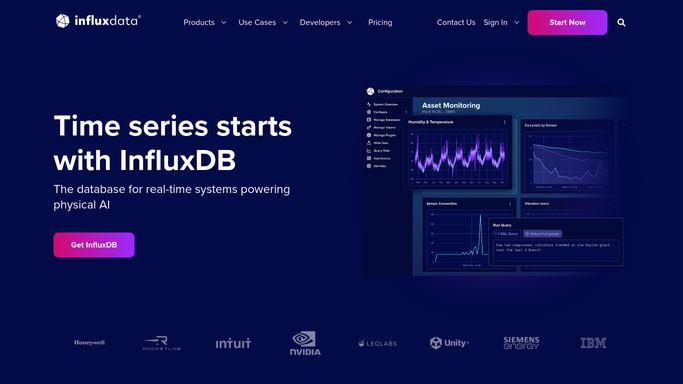


How do I get alerted when an InfluxDB time series metric crosses a threshold?
WebRun checks a monitored InfluxDB bucket every hour against the threshold rule you set. The moment it's breached, WebRun messages the on-call engineer on WhatsApp with the metric and current value, and schedules an investigation block on Google Calendar if the breach is still open on the next check, so a real anomaly gets time booked against it.
- Threshold breaches trigger a WhatsApp alert within the hour
- Only genuinely ongoing issues get a scheduled investigation block
- Momentary spikes that self-resolve don't clutter anyone's calendar
Built for platform engineers · IoT engineering teams · site reliability engineers · DevOps teams
How is each run configured?
Secure by default
Connect once, stays signed in
WebRun signs in once and keeps each session in a persistent environment, so every run picks up right where it left off.
Every action is checked against this policy before it runs.
Questions, answered
Will it change the threshold rule or the underlying system on its own?
No. WebRun only checks the metric against the threshold you set and alerts on a breach. Adjusting the threshold or the underlying system is left to a human.
Why wait for a second check before scheduling time?
A single breach can resolve itself, like a momentary sensor spike. Scheduling an investigation block only after it's still open on the next check keeps the calendar for genuinely ongoing issues.
What kinds of metrics does this work for?
Any time series bucket you already query in InfluxDB, from infrastructure metrics to IoT sensor readings, as long as you can define a threshold rule for it.
Related templates
Put this on autopilot.
Turn it on in minutes - or have our team set it up for you.