Track which GReminders appointments still need confirming
Every morning, WebRun opens GReminders, checks the confirmation status of every reminder sent since the last run, logs each appointment's status to Airtable, and updates a Notion page listing today's appointments that are still unconfirmed.
- No credit card
- Under $0.01 per run
- Cancel anytime
What does WebRun do on every run?
The exact actions WebRun takes, in order - in plain language, so you can adjust anything.
-
WebRun signs in and gets to work
Opens
greminders.comin a real browser with your saved login - no setup, no API keys. -
1
GReminders - check reminder confirmation status
greminders.com

WebRun opens GReminders to check reminder confirmation status. - Open GReminders and list reminders sent since the last run
- Read whether each was confirmed, declined, or left unanswered
- Note the appointment time tied to each reminder
Done when Every recent reminder's status has been read.
-
2
Airtable - log each appointment's status
airtable.com How to Automate Airtable
WebRun opens Airtable to log each appointment's status. - Add or update a record for each appointment with its confirmation status
- Keep the field current as new responses come in
- Sort the base by appointment date
Done when Every recent appointment's status is current in Airtable.
-
3
Notion - list today's unconfirmed appointments
notion.so How to Automate Notion
WebRun opens Notion to list today's unconfirmed appointments. - Update today's Notion page with appointments still unconfirmed
- Sort the list by how soon the appointment is
- Note which ones already had a reminder sent twice
Done when Notion shows today's current unconfirmed appointment list.
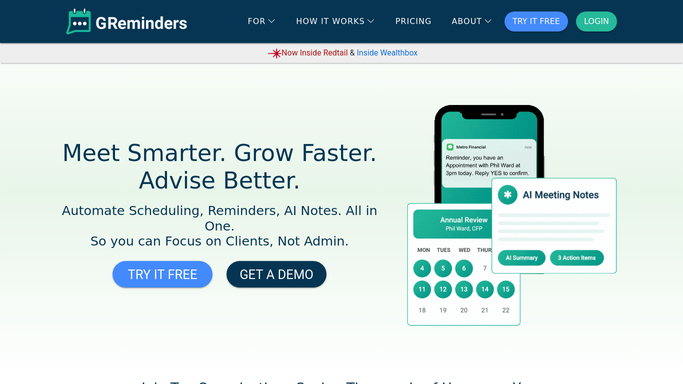


How do I track unconfirmed GReminders appointments?
WebRun checks GReminders every morning for the confirmation status of every reminder sent, logs each appointment's status to Airtable, and keeps a Notion page current with today's still-unconfirmed appointments. Staff see who hasn't confirmed at a glance instead of checking GReminders appointment by appointment.
- Unconfirmed appointments are visible in Notion before the day starts
- Confirmation history is tracked in one running Airtable log
- Staff stop checking GReminders manually for reminder status
Built for medical and dental offices · financial advisors · salons · service businesses
How is each run configured?
Secure by default
Connect once, stays signed in
WebRun signs in once and keeps each session in a persistent environment, so every run picks up right where it left off.
Every action is checked against this policy before it runs.
Questions, answered
Does it send any reminders itself?
No. WebRun only reads the status of reminders GReminders has already sent. It never sends a new reminder or message to a client.
How is confirmed different from unconfirmed?
It reads the actual response status recorded in GReminders, so confirmed means the client replied, unconfirmed means no response has come back yet.
Can I see history, not just today?
Yes. The Airtable log keeps every appointment's status over time, so patterns in who confirms late are easy to spot.
Related templates
Put this on autopilot.
Turn it on in minutes - or have our team set it up for you.