Answer the app reviews still sitting without a reply
Every morning, WebRun opens Google Play Console, finds the user reviews with no reply yet, reads each one's star rating, app version, and device, drafts a reply in your voice, queues it on a Trello board for approval, and messages you on WhatsApp when a one-star review is waiting.
- No credit card
- Under $0.01 per run
- Cancel anytime
How do I keep up with replying to Google Play Store reviews?
Every morning WebRun opens Google Play Console, finds the user reviews still without a reply, and reads each one's star rating, app version, and device. It drafts a reply per review, queues it on a Trello board for approval, and messages the app team on WhatsApp when a one-star review is waiting.
- Low ratings get a public answer within a day instead of never
- Every reply is drafted and ready before someone opens the console
- Angry reviews reach the team the morning they land
Built for app developers · indie studios · mobile product teams · app marketers
What does WebRun do on every run?
The exact actions WebRun takes, in order - in plain language, so you can adjust anything.
-
WebRun signs in and gets to work
Opens
play.google.com/consolein a real browser with your saved login - no setup, no API keys. -
1
Google Play Console - find reviews with no reply
play.google.com
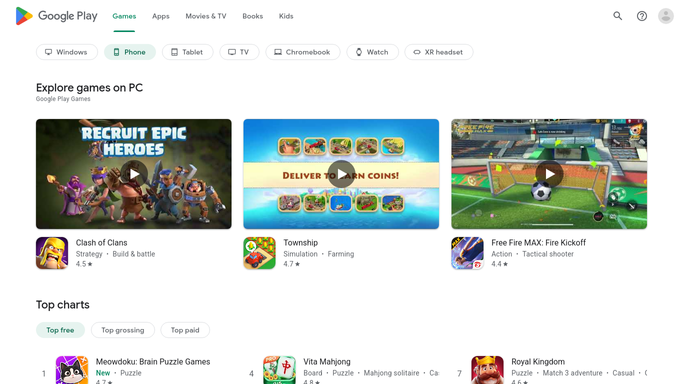
WebRun opens Google Play Console to find reviews with no reply. - Open Google Play Console and go to the reviews list for your app
- Filter to reviews with no developer reply and capture the rating, text, app version, and device
- Sort so the lowest ratings and the oldest unanswered reviews come first
Done when Every unanswered review is listed with its rating, version, and device.
-
2
Trello - queue a drafted reply for approval
trello.com How to Automate Trello

WebRun opens Trello to queue a drafted reply for approval. - Add a card per unanswered review to the review queue board
- Put the review text, rating, version, and device on the card
- Write a drafted reply in your voice underneath and leave it unposted for a person to approve
Done when Each unanswered review has a card with a drafted reply awaiting approval.
-
3
WhatsApp - flag the angry ones
whatsapp.com How to Automate WhatsApp

WebRun opens WhatsApp to flag the angry ones. - Message the internal app team when a one-star or two-star review is waiting
- Include the rating, the app version, and the first line of the review
- Message your own team only. WebRun never contacts the reviewer
Done when The team knows about any low-rating review waiting on a reply.
How is each run configured?
Secure by default
Connect once, stays signed in
WebRun signs in once and keeps each session in a persistent environment, so every run picks up right where it left off.
Every action is checked against this policy before it runs.
Questions, answered
Will it post replies to the Play Store on its own?
No. A developer reply is public and permanent, so WebRun only drafts. Every reply waits on a Trello card until a person approves it and posts it in Google Play Console.
What does the drafted reply sound like?
It answers the specific complaint, names the app version if the issue was fixed, and stays short and plain. Give WebRun a tone or a few past replies and it matches your voice.
Does it handle reviews in other languages?
Yes. It reads the review in the language it was written and drafts the reply in that same language, with a plain summary on the card so you can approve it confidently.
Related templates
Put this on autopilot.
Turn it on in minutes - or have our team set it up for you.