Show off the day's fastest laps on social
Every night, WebRun opens the RaceFacer scoreboards, pulls the fastest laps of the day across sessions, builds a top-five leaderboard, and drafts an on-brand Instagram post celebrating the day's quickest drivers, then leaves it for staff to review and publish.
- No credit card
- Under $0.01 per run
- Cancel anytime
 Instagram
draft the leaderboard post
Instagram
draft the leaderboard post
What does WebRun do on every run?
The exact actions WebRun takes, in order - in plain language, so you can adjust anything.
-
WebRun signs in and gets to work
Opens
www.racefacer.com/enin a real browser with your saved login - no setup, no API keys. -
1
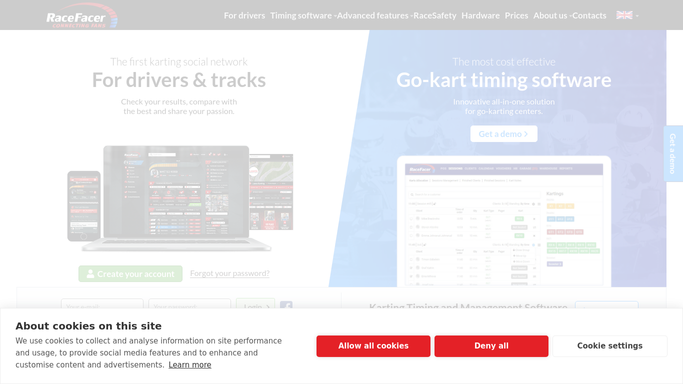
RaceFacer - read the day's fastest laps
racefacer.com How to Automate RaceFacer

WebRun opens RaceFacer to read the day's fastest laps. - Open the RaceFacer scoreboards and results for the day
- Find the fastest lap in each session and rank the quickest overall
- Capture the top drivers, their lap times, and the track configuration used
Done when The day's fastest-lap ranking is ready.
-
2
Instagram - draft the leaderboard post
WebRun opens Instagram to draft the leaderboard post. - Draft a top-five leaderboard post with the fastest drivers and their lap times
- Write an on-brand caption and add your usual hashtags
- Leave the post as a draft for staff to review and publish, so nothing goes public on its own
Done when A leaderboard post is drafted and waiting for staff approval.
How do I post the day's fastest go-kart laps to social media?
WebRun turns the day's fastest laps into a social post. Every night it reads the RaceFacer scoreboards, ranks the quickest drivers across sessions, and drafts an on-brand Instagram leaderboard with their lap times, then leaves it for your staff to review and publish so nothing goes public unapproved.
- The day's fastest laps hit social while excitement is high
- A polished leaderboard drafted without pulling scoreboards by hand
- Every post approved before it goes public
Built for go-kart tracks · karting centers · marketing teams · social media managers
How is each run configured?
Secure by default
Connect once, stays signed in
WebRun signs in once and keeps each session in a persistent environment, so every run picks up right where it left off.
Instagram
Sign in once
Every action is checked against this policy before it runs.
Questions, answered
Will it post to social without me?
No. WebRun drafts the leaderboard post and leaves it for staff to review and publish, so nothing goes public until a person approves the wording and the names.
How does it pick the leaderboard?
It reads the RaceFacer scoreboards for the day, finds the fastest lap in each session, and ranks the quickest drivers overall so the top five are the genuine record holders.
Can I keep certain racers off the post?
Yes. Because every post is a draft, staff can remove any name, for example a minor, before publishing, keeping you in full control of who appears.
Related templates
Put this on autopilot.
Turn it on in minutes - or have our team set it up for you.