Track financial compliance deadlines across all your CFO clients automatically
Every Monday, WebRun checks your client compliance calendar in Google Calendar and your deadline tracker in Google Sheets, notes each client's data readiness in Fathom, and posts a prioritised compliance deadline summary to Slack so your team knows exactly which filings and board reports are due this week and next.
- No credit card
- Under $0.01 per run
- Cancel anytime
What does WebRun do on every run?
The exact actions WebRun takes, in order - in plain language, so you can adjust anything.
-
WebRun signs in and gets to work
Opens
calendar.google.comin a real browser with your saved login - no setup, no API keys. -
1
Google Calendar - pull compliance deadlines for the next 14 days
calendar.google.com How to Automate Google Calendar

WebRun opens Google Calendar to pull compliance deadlines for the next 14 days. - Open the shared client compliance Google Calendar
- List every event in the next 14 days tagged as a tax, statutory, or board reporting deadline
- Group events by client and sort by due date
Done when Every compliance deadline in the next 14 days is listed and grouped by client.
-
2
Google Sheets - check deadline status and data readiness
google.com How to Automate Google Sheets
WebRun opens Google Sheets to check deadline status and data readiness. - Open the compliance deadline tracker sheet
- Check the status column for each upcoming deadline, such as In Progress, Needs Data, or Complete
- Flag any deadline due within seven days that is still in Needs Data status
Done when Every deadline has an up-to-date status and high-priority items are flagged.
-
3
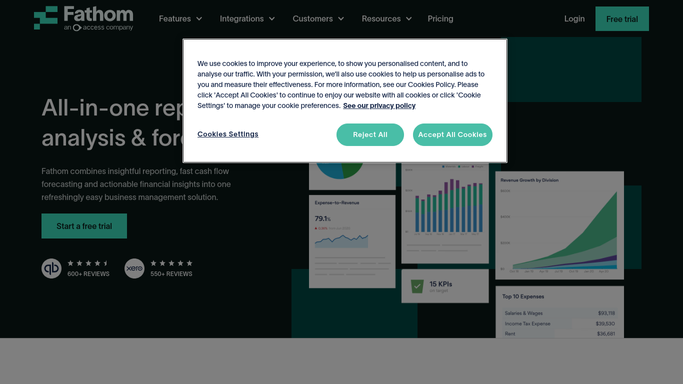
Fathom - confirm client reporting data is ready
fathomhq.com How to Automate Fathom
WebRun opens Fathom to confirm client reporting data is ready. - For each client with a deadline due within seven days, open their Fathom organisation
- Check that the management report data is current and all KPIs have synced successfully
- Flag any client where the data is stale and the deadline is imminent
Done when Every client with an imminent deadline has a data-readiness note in Fathom.
-
4
Slack - post weekly compliance deadline digest
slack.com How to Automate Slack
WebRun opens Slack to post weekly compliance deadline digest. - Post a weekly compliance deadline digest to the compliance Slack channel
- Lead with deadlines due within seven days flagged by status, then show the following week
- Tag the responsible CFO for each client and include a link to the Google Sheet tracker
Done when The team has a ranked compliance deadline digest in Slack with tagged owners.



How can I automatically track financial compliance deadlines across all my fractional CFO clients?
WebRun checks your Google Calendar and compliance tracker in Google Sheets every Monday, confirms data readiness in Fathom for clients with imminent deadlines, and posts a 14-day prioritised compliance digest to Slack. Your team sees exactly which filings and board reports are due, which need data, and who is responsible.
- No compliance deadline slips through across your entire client portfolio
- Data-readiness gaps are caught before the filing window closes
- Every team member knows their deadlines and who owns each client
Built for fractional CFOs · CFO advisory practices · outsourced finance directors · multi-client accounting advisors
How is each run configured?
Secure by default
Connect once, stays signed in
WebRun signs in once and keeps each session in a persistent environment, so every run picks up right where it left off.
Every action is checked against this policy before it runs.
Questions, answered
Can it track deadlines for different countries and tax regimes?
Yes. It reads whatever deadlines you have entered in your Google Calendar and Google Sheet tracker, so you can include any jurisdiction-specific filing dates alongside your own entries.
Will it submit or file anything on behalf of a client?
No. WebRun tracks and alerts on deadlines only. All submissions and filings are completed by your team through the appropriate filing portals.
How does Fathom fit into the compliance check?
Fathom confirms that the client's underlying financial data is current and synced before a deadline. If the data is stale, WebRun flags the issue so you can request updated records before the filing window closes.
Related templates
Put this on autopilot.
Turn it on in minutes - or have our team set it up for you.