Chase the signatures that never came back
Every morning, WebRun opens Formstack, finds the documents sent for signature that are still outstanding, records who has not signed and how many days it has waited, drafts a short reminder text per signer for you to approve in Twilio, and posts the aged list to Microsoft Teams.
- No credit card
- Under $0.01 per run
- Cancel anytime
How do I chase documents that are still waiting for a signature?
WebRun opens Formstack every morning, finds the documents sent for signature that are still outstanding, and records who has not signed and how long it has waited. It drafts a reminder text per signer in Twilio for you to approve and posts the aged chase list to Microsoft Teams, oldest first.
- Every unsigned document is visible with its exact age
- Reminders are written and waiting, not written from scratch
- Deals stop stalling on a signature nobody chased
Built for account managers · sales operations · legal and contracts teams · HR onboarding
What does WebRun do on every run?
The exact actions WebRun takes, in order - in plain language, so you can adjust anything.
-
WebRun signs in and gets to work
Opens
formstack.comin a real browser with your saved login - no setup, no API keys. -
1
Formstack - find documents still unsigned
formstack.com
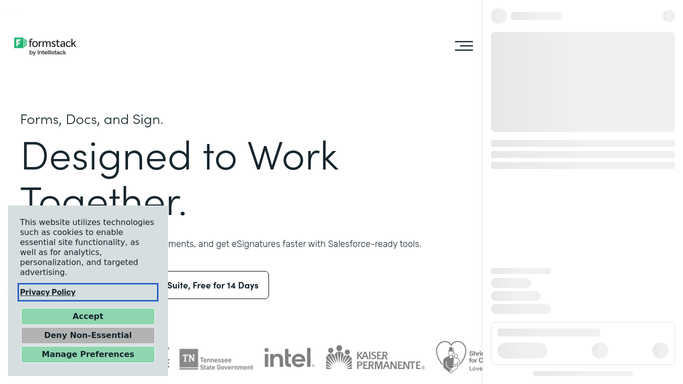
WebRun opens Formstack to find documents still unsigned. - Open Formstack and filter documents to those sent for signature and not yet complete
- For each one, capture the document name, the signers still outstanding, the sent date, and the days waiting
- Note documents where an earlier signer has signed and the chain is stuck on the next person
Done when Every outstanding signature request is listed with its signers and its age.
-
2
Twilio - draft a reminder per signer
twilio.com How to Automate Twilio

WebRun opens Twilio to draft a reminder per signer. - Write a short, polite reminder text for each outstanding signer naming the document and how long it has waited
- Queue every message as a draft and leave it unsent for you to approve
- Skip any signer already reminded within the cooling-off window you set
Done when A reminder is drafted and queued for every outstanding signer.
-
3
Microsoft Teams - post the aged chase list
microsoft.com How to Automate Microsoft Teams

WebRun opens Microsoft Teams to post the aged chase list. - Post today's outstanding documents to your team channel, oldest first
- Show the document, the waiting signer, the days elapsed, and the internal owner
- Flag anything past the threshold you set as needing a call rather than another reminder
Done when The team has today's aged chase list in Teams.
How is each run configured?
Secure by default
Connect once, stays signed in
WebRun signs in once and keeps each session in a persistent environment, so every run picks up right where it left off.
Every action is checked against this policy before it runs.
Questions, answered
Will it text signers without my approval?
No. Every reminder is drafted and queued unsent. A person reviews the wording and the recipient, then approves the send, so no client hears from WebRun on its own.
Will someone get reminded every single day?
No. WebRun skips any signer reminded inside the cooling-off window you set, so a slow signer gets a nudge on your schedule rather than a daily text.
What happens once a document is signed?
It drops off the next morning's list automatically, because WebRun reads the live status in Formstack on every run rather than reusing yesterday's chase list.
Related templates
Put this on autopilot.
Turn it on in minutes - or have our team set it up for you.