Turn new Forms.app responses into a live lead log
Every hour during business hours, WebRun opens Forms.app, collects every response submitted since the last check, adds each one to Airtable as a record with its answers, and keeps a running Notion summary of the day's responses.
- No credit card
- Under $0.01 per run
- Cancel anytime
How do I automatically log new Forms.app responses?
WebRun checks Forms.app every hour during business hours for new responses, logs each one as an Airtable record with its full answers, and keeps a running Notion summary of the day's activity. Teams get a live, organized record of every submission without opening Forms.app to check.
- New responses are logged within the hour, every hour
- Every form's responses stay organized in their own Airtable table
- Teams get a daily Notion summary instead of digging through Forms.app
Built for small business owners · marketers · researchers · customer support teams
What does WebRun do on every run?
The exact actions WebRun takes, in order - in plain language, so you can adjust anything.
-
WebRun signs in and gets to work
Opens
forms.appin a real browser with your saved login - no setup, no API keys. -
1
Forms.app - collect new responses
forms.app
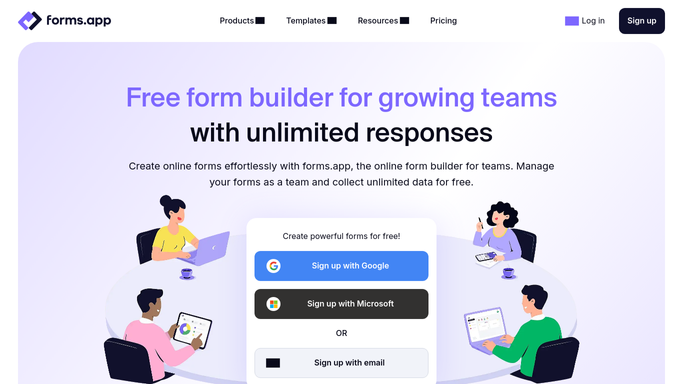
WebRun opens Forms.app to collect new responses. - Open Forms.app and list responses submitted since the last run
- Read each respondent's answers in full
- Note which form each response came from
Done when Every new response has been read and identified by form.
-
2
Airtable - log each response as a record
airtable.com How to Automate Airtable

WebRun opens Airtable to log each response as a record. - Add a record for each response with its answers and submit time
- File it under the matching form's table
- Skip any response already logged
Done when Every new response exists as an Airtable record.
-
3
Notion - summarize the day's responses
notion.so How to Automate Notion

WebRun opens Notion to summarize the day's responses. - Update today's Notion summary page with the new response count
- List the latest responses with a one-line preview
- Note any form with an unusual spike in submissions
Done when Notion shows an up-to-date summary of today's responses.
How is each run configured?
Secure by default
Connect once, stays signed in
WebRun signs in once and keeps each session in a persistent environment, so every run picks up right where it left off.
Every action is checked against this policy before it runs.
Questions, answered
Does it contact anyone who filled out a form?
No. WebRun only reads responses and files them in Airtable and Notion. It never emails or messages a respondent.
What if the same response comes in twice?
It checks the existing Airtable records before adding a new one, so duplicate submissions are skipped.
Can it handle more than one form?
Yes. Each response is filed under the Airtable table matching its own form, so multiple forms stay organized separately.
Related templates
Put this on autopilot.
Turn it on in minutes - or have our team set it up for you.