Roll out price list updates to every customer tier without manual work
When you upload a revised price list to the designated Google Sheet, WebRun reads each line, identifies which customer tiers and SKUs are affected, updates the corresponding price lists in Wherefour, and drafts a personalized price change notification email in Gmail for every affected customer, leaving each draft for a sales rep to review and send.
- No credit card
- Under $0.01 per run
- Cancel anytime
What does WebRun do on every run?
The exact actions WebRun takes, in order - in plain language, so you can adjust anything.
-
WebRun signs in and gets to work
Opens
docs.google.com/spreadsheetsin a real browser with your saved login - no setup, no API keys. -
1
Google Sheets - read the new price list changes
google.com How to Automate Google Sheets

WebRun opens Google Sheets to read the new price list changes. - Open the designated Price List Update Google Sheet
- Read each row: SKU, product name, old price, new price, effective date, and customer tier
- Identify which rows represent actual price changes versus unchanged lines
- Group changed SKUs by customer tier for efficient Wherefour updates
Done when All price changes are read from the sheet and grouped by customer tier.
-
2
Wherefour - update customer price lists by tier
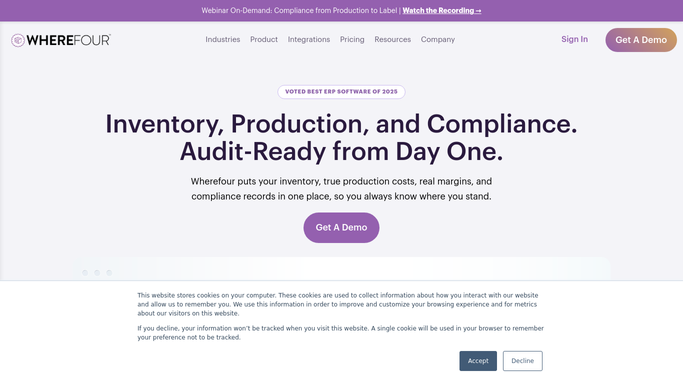
wherefour.com How to Automate Wherefour
WebRun opens Wherefour to update customer price lists by tier. - Open Wherefour and navigate to Price Lists
- For each customer tier with changes, open the relevant price list
- Update each affected SKU with the new price and effective date from the sheet
- Save and confirm each price list update before moving to the next tier
Done when All affected price lists in Wherefour are updated with the new prices and effective dates.
-
3
Gmail - draft price change notifications for review
gmail.com How to Automate Gmail
WebRun opens Gmail to draft price change notifications for review. - For each customer on an affected tier, draft a personalized price change notification email
- Include the specific SKUs changing, old and new prices, and the effective date
- Address the email to the customer's primary contact as recorded in Wherefour
- Leave all drafts unsent in Gmail for the sales rep to review. Do not send automatically.
Done when A review-ready draft price notification email exists in Gmail for every affected customer.


How do I roll out food manufacturing price list updates across customer tiers automatically?
When you upload a revised price list to Google Sheets, WebRun reads the changes by SKU and tier, updates each affected price list in Wherefour with the new prices and effective dates, and drafts a personalized notification email in Gmail for every affected customer. Sales reps review and send the drafts, so pricing stays accurate and customers are notified consistently.
- Wherefour price lists are updated across all tiers from a single spreadsheet upload
- Every affected customer gets a personalized draft notification ready for rep review
- Custom-priced customers are automatically excluded from bulk updates
Built for food manufacturers · beverage producers · co-packers · sales managers · pricing analysts
How is each run configured?
Secure by default
Connect once, stays signed in
WebRun signs in once and keeps each session in a persistent environment, so every run picks up right where it left off.
Every action is checked against this policy before it runs.
Questions, answered
Will it notify customers about price changes automatically?
No. Every customer price change notification is drafted in Gmail and left for your sales rep to review before sending. WebRun updates the prices in Wherefour but never sends customer-facing emails without a human approving them first.
What if a customer has a custom negotiated price that should not change?
Rows flagged as custom or exempt in the Google Sheet are skipped during the Wherefour update and no notification draft is created for those customers.
How does it know which customers belong to each price tier?
It reads the tier-to-customer mapping directly from Wherefour's price list records, so the grouping always reflects what is actually configured in your ERP.
Related templates
Put this on autopilot.
Turn it on in minutes - or have our team set it up for you.