Send your team a daily backorder status digest
Every morning, WebRun opens Wherefour, finds every backordered sales order line, groups them by customer and expected availability date, and sends a concise digest to your customer service Telegram group so your team knows exactly what is delayed and what to communicate.
- No credit card
- Under $0.01 per run
- Cancel anytime
What does WebRun do on every run?
The exact actions WebRun takes, in order - in plain language, so you can adjust anything.
-
WebRun signs in and gets to work
Opens
app.wherefour.comin a real browser with your saved login - no setup, no API keys. -
1
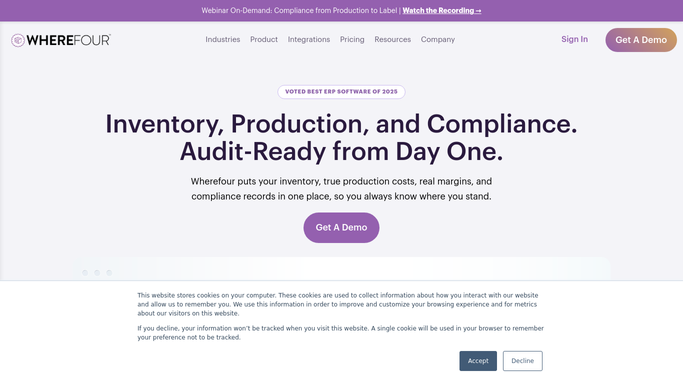
Wherefour - pull open backorder lines with expected dates
wherefour.com How to Automate Wherefour

WebRun opens Wherefour to pull open backorder lines with expected dates. - Open Wherefour and navigate to open Sales Orders
- Filter to lines with a backordered or short-shipped status
- Capture customer name, order number, item, backordered quantity, and expected availability date for each line
- Group lines by customer and sort by expected ship date ascending
Done when All open backorder lines are listed and grouped by customer with expected dates.
-
2
Telegram - send digest to customer service group
telegram.org How to Automate Telegram
WebRun opens Telegram to send digest to customer service group. - Format the backorder data as a clear, grouped digest message
- List each customer, their affected orders, items, quantities, and expected ship dates
- Send the digest to the customer service Telegram group
- Flag any lines with no expected date set so they can be followed up
Done when Customer service team has the complete backorder digest in Telegram before the business day starts.

How do I get a daily backorder status digest for my food manufacturing team?
WebRun pulls every open backorder line from Wherefour each morning, groups them by customer and sorts by expected ship date, then sends a concise digest to your customer service Telegram group. Your team starts each day knowing exactly which orders are delayed and what dates to communicate, without opening the ERP.
- Customer service team starts each day with a clear backorder picture
- Lines missing expected dates are flagged for follow-up automatically
- No one needs to open Wherefour manually to build the daily report
Built for food manufacturers · beverage producers · co-packers · customer service teams · operations managers
How is each run configured?
Secure by default
Connect once, stays signed in
WebRun signs in once and keeps each session in a persistent environment, so every run picks up right where it left off.
Every action is checked against this policy before it runs.
Questions, answered
Will it contact customers about their backorders?
No. The digest goes only to your internal Telegram group for your team to review. WebRun never emails or messages your customers. Your customer service team decides what to communicate and when.
What if an expected date is missing from a backorder line?
Lines with no expected date are flagged separately in the digest so your team can follow up with production and set a date. They are never silently dropped.
Can it show backorders for a specific product category only?
Yes. Tell WebRun which product categories or SKUs to include and it will filter the Wherefour data accordingly before building the digest.
Related templates
Put this on autopilot.
Turn it on in minutes - or have our team set it up for you.