Start the day knowing what broke in your app
Every morning, WebRun opens the Firebase console, reads Crashlytics for new and regressed issues, checks the crash free users trend and the most recent Hosting release, posts a short health digest to your Microsoft Teams engineering channel, and puts a triage block on the on-call engineer's Google Calendar when something serious landed overnight.
- No credit card
- Under $0.01 per run
- Cancel anytime
How do I get a daily summary of Firebase crashes and releases?
Every morning WebRun opens the Firebase console, reads Crashlytics for new and regressed issues, checks crash free users and the latest Hosting release, then posts a health digest to Microsoft Teams. When a serious new crash appears it books a triage slot on your Google Calendar.
- Overnight regressions are known before standup
- Crash spikes are tied to the release that caused them
- Serious issues get a triage slot booked the same morning
Built for mobile engineering teams · app developers · on-call engineers · startup CTOs
What does WebRun do on every run?
The exact actions WebRun takes, in order - in plain language, so you can adjust anything.
-
WebRun signs in and gets to work
Opens
console.firebase.google.comin a real browser with your saved login - no setup, no API keys. -
1
Firebase - read overnight app health
firebase.google.com
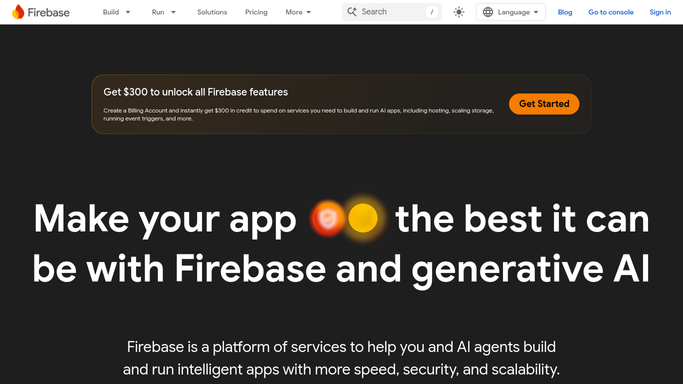
WebRun opens Firebase to read overnight app health. - Open the Firebase console and select your project
- In Crashlytics, capture new issues, regressed issues and the crash free users percentage for the last 24 hours
- Note the top issues by affected user count and which app version each hits
- Check Hosting for the most recent release and whether the crash rise lines up with it
Done when Overnight crash, regression and release facts are captured for the project.
-
2
Microsoft Teams - post the morning digest
microsoft.com How to Automate Microsoft Teams

WebRun opens Microsoft Teams to post the morning digest. - Post a digest to the engineering channel: crash free users, new issues, regressed issues
- List the top issues by affected users with the app version beside each
- Say whether the numbers moved after the latest Hosting release
- Compare against yesterday so the direction of travel is obvious
Done when The engineering channel has today's Firebase health digest.
-
3
Google Calendar - book triage time
calendar.google.com How to Automate Google Calendar

WebRun opens Google Calendar to book triage time. - When a new or regressed issue crosses your affected user threshold, create a 30 minute triage block
- Title it with the issue name and the number of users affected
- Put it in the first free slot on the on-call engineer's morning
- Create nothing on days when no issue crosses the threshold
Done when Serious overnight issues have a triage slot booked, or the calendar was left untouched.
How is each run configured?
Secure by default
Connect once, stays signed in
WebRun signs in once and keeps each session in a persistent environment, so every run picks up right where it left off.
Every action is checked against this policy before it runs.
Questions, answered
Can it roll back a release or change my Firebase project?
No. WebRun only reads the console. It never deploys, rolls back, changes rules, closes an issue or touches any project setting, so a rollback decision always stays with an engineer.
Will it put meetings on my calendar every day?
Only when a new or regressed issue passes the affected user threshold you set. On a quiet morning it posts the digest and creates nothing.
Does it work across several Firebase projects?
Yes. List the projects at setup and the digest covers each one, with the noisiest project first so the biggest problem leads the post.
Related templates
Put this on autopilot.
Turn it on in minutes - or have our team set it up for you.