Catch unsigned documents and contracts about to end
Every Monday, WebRun opens Factorial, checks every employee's document folders for unsigned paperwork and reads contract end dates, saves the audit to Google Drive, and opens a Trello card for each signature to collect and each contract ending inside 60 days.
- No credit card
- Under $0.01 per run
- Cancel anytime
What does WebRun do on every run?
The exact actions WebRun takes, in order - in plain language, so you can adjust anything.
-
WebRun signs in and gets to work
Opens
app.factorialhr.comin a real browser with your saved login - no setup, no API keys. -
1
Factorial - audit documents and contract dates
factorialhr.com

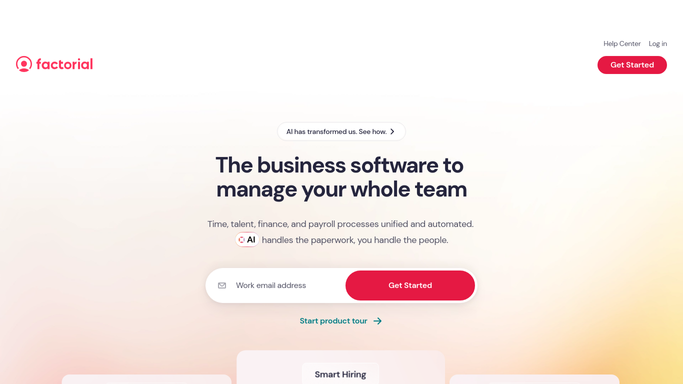
WebRun opens Factorial to audit documents and contract dates. - Open Factorial and go through the document folders for every active employee
- Capture any document still showing an unsigned or pending signature status, with the employee and the date it was shared
- Read each employee's contract end date and mark the ones ending inside 60 days
- Skip documents already recorded as chased in last week's audit
Done when Every active employee has been checked for unsigned documents and a contract end date.
-
2
Google Drive - file the weekly audit
drive.google.com How to Automate Google Drive
WebRun opens Google Drive to file the weekly audit. - Save this week's audit into your HR compliance folder in Google Drive
- Name the file by week so the history builds into an audit trail
- Keep the previous weeks in place so you can see how long a signature has been outstanding
Done when This week's paperwork audit is filed in Google Drive next to the earlier weeks.
-
3
Trello - open a card per action
trello.com How to Automate Trello
WebRun opens Trello to open a card per action. - Open a Trello card for every unsigned document, titled with the employee and the document
- Open a separate card for each contract ending inside 60 days, with the end date as the due date
- Sort the board so the soonest contract end sits at the top
- Leave the cards for HR to action. WebRun never emails an employee or edits a contract itself
Done when HR has one Trello card per signature to collect and per contract to renew.


How do I check which employee documents are unsigned and which contracts expire soon?
WebRun audits your HR paperwork every Monday. It opens Factorial, finds documents still unsigned and contracts ending within 60 days, files the audit in Google Drive, and opens a Trello card for each one, so HR chases signatures and renewals early instead of discovering them late.
- No contract end date is discovered with days to spare
- Unsigned paperwork is visible every Monday instead of at audit time
- A dated audit trail builds up in Google Drive week by week
Built for HR teams · people operations · small business owners · office managers
How is each run configured?
Secure by default
Connect once, stays signed in
WebRun signs in once and keeps each session in a persistent environment, so every run picks up right where it left off.
Every action is checked against this policy before it runs.
Questions, answered
Will it chase employees for signatures itself?
No. WebRun opens a Trello card for HR and files the audit in Google Drive. Any message to an employee is left for a person to send, and no contract is ever edited.
How far ahead does it look at contract end dates?
Sixty days by default, which is early enough to renew or extend without a scramble. Ask for 30 or 90 days instead and WebRun uses that window.
What if someone signed over the weekend?
It reads the live signature status in Factorial each Monday, so anything signed since the last run drops off the list on its own.
Related templates
Put this on autopilot.
Turn it on in minutes - or have our team set it up for you.