Get every new Elastic cluster launch ready
When a new Elastic Cloud cluster is created, WebRun checks its index templates, ILM policy, alerting rules, and snapshot backups, tracks each item on a Trello checklist, and messages the platform team on WhatsApp once the cluster is confirmed ready.
- No credit card
- Under $0.01 per run
- Cancel anytime
How do I make sure a new Elastic Cloud cluster is production-ready before it launches?
WebRun checks a new Elastic Cloud cluster against a launch checklist, index templates, an ILM policy, alerting rules, and snapshot backups, and tracks each item on a Trello card. Once everything is confirmed, it messages the platform team on WhatsApp, so no cluster goes live missing a policy it needs later.
- No cluster goes live missing an ILM policy or alerting rule
- Every launch has a tracked Trello checklist instead of tribal knowledge
- The team gets a WhatsApp all-clear the moment a cluster is ready
Built for platform engineers · data engineering teams · site reliability engineers · DevOps teams
What does WebRun do on every run?
The exact actions WebRun takes, in order - in plain language, so you can adjust anything.
-
WebRun signs in and gets to work
Opens
cloud.elastic.coin a real browser with your saved login - no setup, no API keys. -
1
Elastic - check the cluster's setup
elastic.co
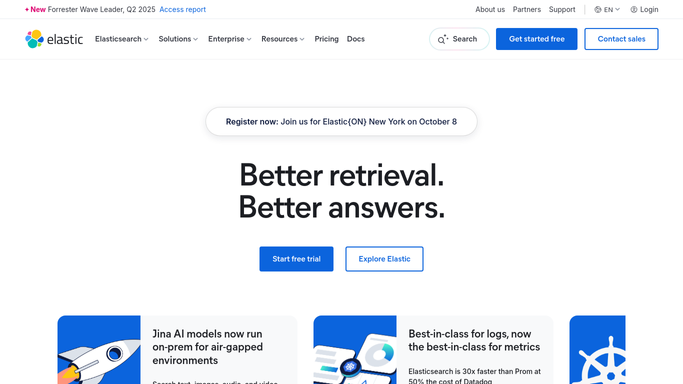
WebRun opens Elastic to check the cluster's setup. - Open Elastic Cloud and check the new cluster's index templates and mappings
- Confirm an ILM policy is attached to every index pattern
- Confirm alerting rules and snapshot backups are configured
Done when Every setup item has been checked against the cluster.
-
2
Trello - track the checklist
trello.com How to Automate Trello

WebRun opens Trello to track the checklist. - Open a checklist card for the new cluster
- Check off each setup item as it's confirmed, and flag any that are missing
Done when The Trello checklist reflects the cluster's current setup status.
-
3
WhatsApp - ping the team when ready
whatsapp.com How to Automate WhatsApp

WebRun sends a WhatsApp message to ping the team when ready. - Message the platform team once every checklist item is confirmed
- If something is missing, name exactly what still needs setting up
Done when The team has a WhatsApp update on the cluster's launch readiness.
How is each run configured?
Secure by default
Connect once, stays signed in
WebRun signs in once and keeps each session in a persistent environment, so every run picks up right where it left off.
Every action is checked against this policy before it runs.
Questions, answered
Will it create the ILM policy or alerting rules itself?
No. WebRun only checks what's already configured and tracks what's missing. Creating policies or alert rules is left to a human.
What counts as ready to launch?
A cluster is marked ready once index templates, an ILM policy, alerting rules, and snapshot backups are all confirmed present. Anything missing stays open on the Trello card.
Does this run once or does it keep checking?
It runs when a new cluster is created and keeps checking until every item on the checklist is confirmed, then sends the WhatsApp all-clear.
Related templates
Put this on autopilot.
Turn it on in minutes - or have our team set it up for you.