Alert your team when cleaning supplies run low before you run out
Every morning, WebRun opens CleanCloud, checks stock levels for consumables and retail products, and posts a Slack alert listing every item below the reorder threshold so your team can place orders before anything runs out mid-day.
- No credit card
- Under $0.01 per run
- Cancel anytime
What does WebRun do on every run?
The exact actions WebRun takes, in order - in plain language, so you can adjust anything.
-
WebRun signs in and gets to work
Opens
app.cleancloudapp.comin a real browser with your saved login - no setup, no API keys. -
1
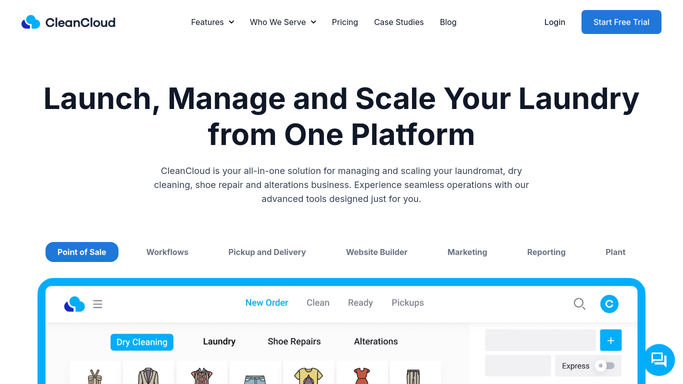
CleanCloud - check inventory levels for all tracked items
cleancloudapp.com How to Automate CleanCloud

WebRun opens CleanCloud to check inventory levels for all tracked items. - Open CleanCloud and navigate to the inventory or stock management section
- Review current quantity on hand for each tracked item against its reorder threshold
- List every item at or below the reorder threshold with its current quantity and supplier name if recorded
Done when All low-stock items are identified with current quantities and reorder thresholds.
-
2
Slack - post low-stock reorder alert to team
slack.com How to Automate Slack
WebRun opens Slack to post low-stock reorder alert to team. - Post a Slack alert to the store or management channel listing each low-stock item and its current quantity
- Flag any item that has reached zero stock as critical
- Include the typical reorder quantity and supplier name where available to speed up the purchase
Done when The team has a clear low-stock reorder list in Slack with enough detail to place orders immediately.

How do I get automatic low-stock alerts for my dry cleaning supplies from CleanCloud?
WebRun checks CleanCloud's inventory every morning and compares current stock levels against reorder thresholds for each tracked item. When anything falls short, it posts a clear reorder alert to Slack listing the item, current quantity, and supplier details, so your team can place orders before supplies run out during the day.
- Supplies never run out mid-day because the team is alerted first thing each morning
- Reorder time drops because the list arrives with quantities and supplier details ready
- Zero-stock items are flagged as critical so urgent orders are prioritised
Built for dry cleaners · laundromats · garment care businesses · multi-location dry cleaning operators
How is each run configured?
Secure by default
Connect once, stays signed in
WebRun signs in once and keeps each session in a persistent environment, so every run picks up right where it left off.
Every action is checked against this policy before it runs.
Questions, answered
Will it place reorders automatically?
No. WebRun flags low stock and posts the reorder list to Slack for your team to action. All purchasing decisions remain with your staff.
Can I set different thresholds for different items?
Yes. WebRun uses the reorder thresholds already configured in CleanCloud for each item. Update them there and WebRun will respect the new levels on its next run.
What if nothing is low on a given day?
WebRun still runs each morning but skips the Slack alert if all items are above threshold. You only hear from it when action is needed.
Related templates
Put this on autopilot.
Turn it on in minutes - or have our team set it up for you.