Reconcile Docebo training completions against your roster
Every Monday, WebRun opens Docebo, compares completed certifications against your required training roster, saves the reconciliation report to Google Drive, and drafts a short Twilio text reminder for each employee who is still out of compliance.
- No credit card
- Under $0.01 per run
- Cancel anytime
How do I reconcile Docebo training completions against required courses?
WebRun compares completed Docebo certifications against your required training roster every Monday, saves a reconciled compliance report to Google Drive, and drafts a Twilio text reminder for each employee who is still missing a course. A human reviews and sends the texts, so compliance gaps get caught without manual spreadsheet work.
- Compliance gaps are caught every week instead of at audit time
- Every reminder is reviewed by a human before it reaches an employee
- The compliance folder always holds the current, not stale, report
Built for compliance managers · L&D teams · HR operations · corporate training administrators
What does WebRun do on every run?
The exact actions WebRun takes, in order - in plain language, so you can adjust anything.
-
WebRun signs in and gets to work
Opens
www.docebo.comin a real browser with your saved login - no setup, no API keys. -
1
Docebo - check completed certifications
docebo.com
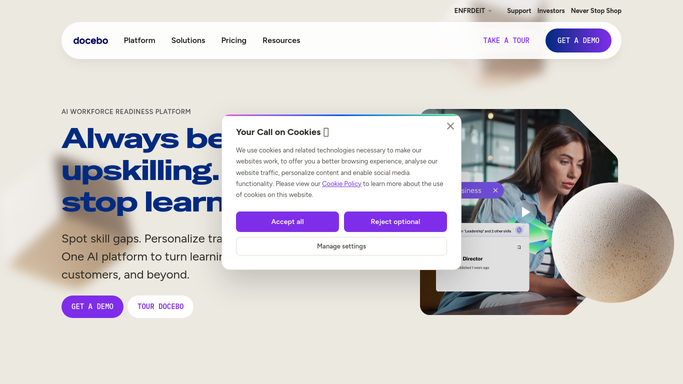
WebRun opens Docebo to check completed certifications. - Open Docebo and pull completion status for every required course
- Compare completions against the required training roster
- List every employee who is missing a required certification
Done when Every employee's compliance status has been checked against the roster.
-
2
Google Drive - save the reconciliation report
drive.google.com How to Automate Google Drive

WebRun opens Google Drive to save the reconciliation report. - Save the reconciliation report as a dated file in the compliance folder
- Include who is compliant, who is missing what, and when it was due
- Replace last week's report so the folder always shows the latest state
Done when This week's reconciliation report is saved in Drive.
-
3
Twilio - draft reminder texts
twilio.com How to Automate Twilio

WebRun opens Twilio to draft reminder texts. - Draft a short text reminder for each employee who is out of compliance
- Reference the specific course and its due date in the draft
- Queue the drafts for the coordinator to review and send. WebRun never texts employees on its own
Done when A draft reminder exists for every non compliant employee, awaiting approval.
How is each run configured?
Secure by default
Connect once, stays signed in
WebRun signs in once and keeps each session in a persistent environment, so every run picks up right where it left off.
Every action is checked against this policy before it runs.
Questions, answered
Will it text employees without approval?
No. WebRun only drafts the reminder text in Twilio. A human on the compliance team reviews and sends it, nothing goes out on its own.
How does it know who is required to complete what?
It reads your required training roster and compares it against each employee's completion status in Docebo, so the report reflects your actual policy, not a guess.
What happens to last week's report?
The new reconciliation replaces it in Drive, so the folder always holds the current compliance state instead of a pile of old exports.
Related templates
Put this on autopilot.
Turn it on in minutes - or have our team set it up for you.