Collect event details on time
Every Monday, WebRun opens DJ Event Planner and finds upcoming events where the music preference or timeline questionnaire is still outstanding. It drafts a polite reminder email in Gmail for each client and posts a summary to Slack, so you always have the details you need well before the event.
- No credit card
- Under $0.01 per run
- Cancel anytime
What does WebRun do on every run?
The exact actions WebRun takes, in order - in plain language, so you can adjust anything.
-
WebRun signs in and gets to work
Opens
www.djeventplanner.comin a real browser with your saved login - no setup, no API keys. -
1
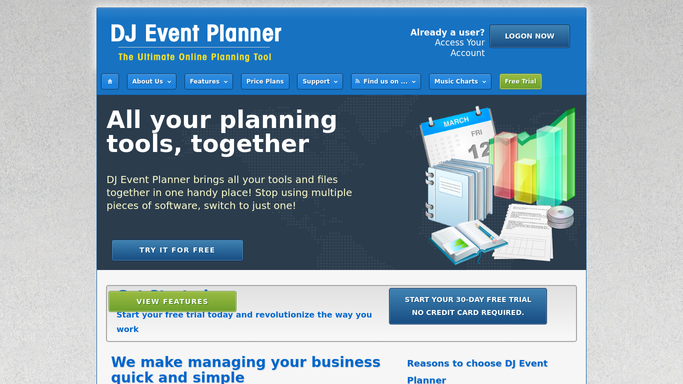
DJ Event Planner - find incomplete questionnaires
djeventplanner.com How to Automate DJ Event Planner

WebRun opens DJ Event Planner to find incomplete questionnaires. - Open DJ Event Planner and list upcoming events scheduled in the next 30 days
- Identify events where the music preferences or event timeline questionnaire has not been submitted
- Capture the client name, event date, and which form is still missing for each
Done when Every upcoming event with an outstanding questionnaire is identified.
-
2
Gmail - draft reminder emails
gmail.com How to Automate Gmail
WebRun opens Gmail to draft reminder emails. - For each client with an outstanding questionnaire, draft a friendly reminder email in Gmail
- Reference the specific form that is missing and include the event date to create urgency
- Leave every email as a draft for your review. Do not send any email automatically
Done when A Gmail draft reminder exists for each client with an outstanding questionnaire.
-
3
Slack - post the chaser list
slack.com How to Automate Slack
WebRun opens Slack to post the chaser list. - Post a summary to Slack listing each client, their event date, and which questionnaire is missing
- Note how many Gmail drafts are ready to review
Done when The weekly questionnaire chaser list is posted to Slack.


How do I automatically chase clients for their DJ event questionnaires?
WebRun checks DJ Event Planner every Monday for upcoming events where a music or timeline questionnaire is still missing, drafts a polite reminder email in Gmail for each client, and posts a Slack summary of who still needs to respond. Every draft waits for your approval before it is sent.
- Questionnaires collected weeks before the event, not the night before
- Gmail drafts ready to send with one click, saving time each week
- No client is missed on the weekly chaser list
Built for freelance DJs · DJ companies · mobile entertainers · wedding DJs
How is each run configured?
Secure by default
Connect once, stays signed in
WebRun signs in once and keeps each session in a persistent environment, so every run picks up right where it left off.
Every action is checked against this policy before it runs.
Questions, answered
Will it send reminder emails to clients without my approval?
No. Every reminder is saved as a Gmail draft for your review first. Nothing reaches a client until you read and send it yourself, so the message always reflects your voice.
How far in advance does it start chasing questionnaires?
It flags events in the next 30 days that still have an outstanding form, giving you enough time to collect details, plan the setlist, and confirm the timeline before the event.
What if a client submits their questionnaire between runs?
WebRun reads the live status in DJ Event Planner each Monday, so clients who have already submitted are skipped and will not receive a repeat reminder.
Related templates
Put this on autopilot.
Turn it on in minutes - or have our team set it up for you.