Know who is missing before the day gets going
Every morning, WebRun opens DingTalk, reads today's attendance check-in records against the roster, cross-checks each missing person against approved leave requests, sends each manager a WhatsApp summary of who on their team has not checked in, and posts the full exception list to the HR Telegram channel.
- No credit card
- Under $0.01 per run
- Cancel anytime
How do I see who has not checked in for work today?
WebRun reads today's DingTalk check-in records every morning and compares them against the roster and approved leave. It sends each manager a WhatsApp summary of who on their team is present, on leave, late, or unaccounted for, and posts the full exception list to HR on Telegram.
- Managers know who is missing before the morning meeting
- Approved leave is never mistaken for an unexplained absence
- Repeat unexplained absence is flagged inside the same month
Built for HR teams · operations managers · shift supervisors · multi-site businesses
What does WebRun do on every run?
The exact actions WebRun takes, in order - in plain language, so you can adjust anything.
-
WebRun signs in and gets to work
Opens
www.dingtalk.comin a real browser with your saved login - no setup, no API keys. -
1
DingTalk - read today's check-ins and leave
dingtalk.com
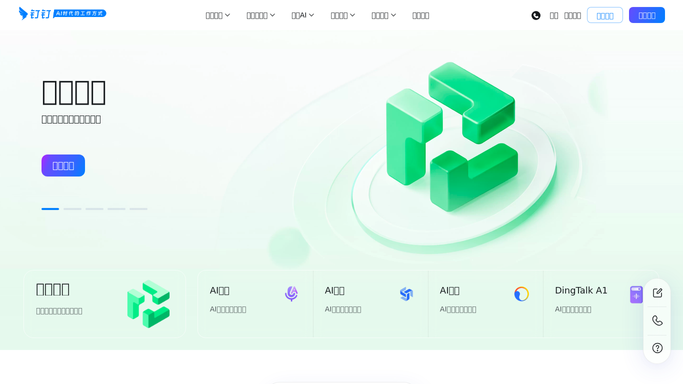
WebRun opens DingTalk to read today's check-ins and leave. - Open DingTalk and read today's attendance check-in records for each department
- Compare them against the roster of who is scheduled to work today
- Check every missing person against approved leave and business trip records
- Separate the list into approved leave, late check-in, and unexplained absence
- Note anyone whose check-in came from an unusual location or well outside their shift
Done when Everyone scheduled today is accounted for as present, on leave, late, or unexplained.
-
2
WhatsApp - send each manager their summary
whatsapp.com How to Automate WhatsApp

WebRun opens WhatsApp to send each manager their summary. - Send each manager a short summary covering only their own team
- List who is on approved leave, who checked in late, and who has not checked in at all
- Include the expected shift start so the gap is obvious
- Keep it internal. Never message the absent employee
Done when Every manager knows their team's attendance picture before the morning meeting.
-
3
Telegram - post the full exception list
telegram.org How to Automate Telegram

WebRun opens Telegram to post the full exception list. - Post the full company exception list to the HR Telegram channel
- Group it by department with the counts for present, on leave, late, and unexplained
- Flag anyone with unexplained absence on more than two days this month
- Add the company attendance rate for the day so the trend is visible
Done when HR has the whole company's attendance exceptions in one message.
How is each run configured?
Secure by default
Connect once, stays signed in
WebRun signs in once and keeps each session in a persistent environment, so every run picks up right where it left off.
Every action is checked against this policy before it runs.
Questions, answered
Will it message the person who has not checked in?
No. WebRun reports only to managers and to your HR channel. It never messages an absent employee, never marks anyone late in DingTalk, and never approves or rejects a leave request.
Does it count people who booked leave?
No. It cross-checks every missing person against approved leave and business trip records first, so anyone with approved time off appears as on leave rather than as an unexplained absence.
Can each manager see only their own team?
Yes. The WhatsApp summary sent to each manager covers only the people reporting to them. The whole-company view goes to the HR channel alone.
Related templates
Put this on autopilot.
Turn it on in minutes - or have our team set it up for you.