Spot a late DHL shipment before the customer does
Every morning, WebRun reads your open tracking numbers, checks each one on DHL for its latest scan and estimated delivery date, saves a dated status report into your Google Drive folder, and queues a short Twilio text for every customer whose shipment is delayed, held, or missing a scan, ready for you to approve.
- No credit card
- Under $0.01 per run
- Cancel anytime
How do I track DHL shipments and warn customers about delays?
WebRun checks every open tracking number on DHL each morning, recording the latest scan and estimated delivery date. It files a dated status report into Google Drive and queues a Twilio text for each customer whose delivery has slipped, ready for you to approve, so nobody hears about a delay too late.
- Delays are caught the morning they appear, not on a customer call
- Every day's shipment status is filed and traceable
- Customer texts are ready to send but never go out unapproved
Built for ecommerce merchants · wholesalers and distributors · customer service teams · logistics coordinators
What does WebRun do on every run?
The exact actions WebRun takes, in order - in plain language, so you can adjust anything.
-
WebRun signs in and gets to work
Opens
www.dhl.comin a real browser with your saved login - no setup, no API keys. -
1
DHL - track every open shipment
dhl.com
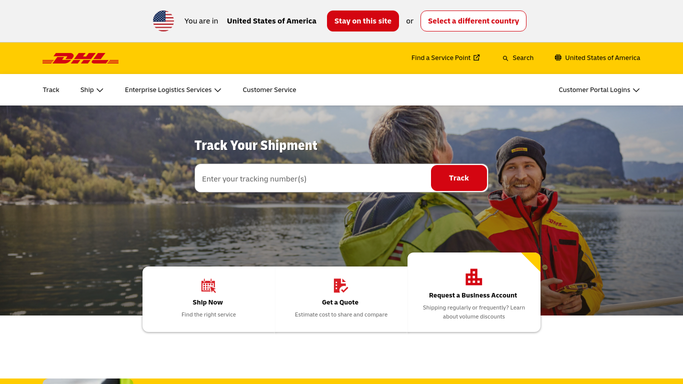
WebRun opens DHL to track every open shipment. - Open DHL tracking and enter each open tracking number in turn
- Record the latest scan, the location, and the estimated delivery date
- Mark anything delayed, held at customs, or with no new scan for 48 hours
- Close off shipments now showing as delivered so they drop out of tomorrow's run
Done when Every open shipment has a current status and an estimated delivery date.
-
2
Google Drive - file the status report
drive.google.com How to Automate Google Drive

WebRun opens Google Drive to file the status report. - Open your shipments folder in Google Drive
- Save a dated status report listing every tracking number and its latest scan
- Group the report into on time, delayed, held, and delivered
- Keep yesterday's report in place so the history of a problem shipment is traceable
Done when Today's dated status report is saved in Drive.
-
3
Twilio - queue the customer heads-up
twilio.com How to Automate Twilio

WebRun opens Twilio to queue the customer heads-up. - Draft a short, factual text for each customer whose shipment slipped
- Include the tracking number, the new estimated date, and the reason DHL gave
- Leave every message queued and unsent for a person to approve
- Send nothing to a customer automatically, no matter how routine the delay looks
Done when A text is drafted and waiting for approval for every delayed shipment.
How is each run configured?
Secure by default
Connect once, stays signed in
WebRun signs in once and keeps each session in a persistent environment, so every run picks up right where it left off.
Every action is checked against this policy before it runs.
Questions, answered
Will it text customers without me?
No. Every message is drafted and queued in Twilio and left unsent. A person reads each one and approves it, so nothing reaches a customer on its own.
Where does the tracking list come from?
From the shipment list you keep in Google Drive. WebRun reads the open tracking numbers each morning and drops any that DHL now shows as delivered.
What counts as a delayed shipment?
Any shipment whose estimated delivery date has moved, that is held at customs, or that has had no new DHL scan for 48 hours. You can change that window.
Related templates
Put this on autopilot.
Turn it on in minutes - or have our team set it up for you.