Flag failed Device Magic inspections for you
Every time a Device Magic form comes in from the field, WebRun reads the submission, logs it as a row in Google Sheets with the site, submitter, and result, and creates a Notion task the moment any item on the form is marked as failed or flagged.
- No credit card
- Under $0.01 per run
- Cancel anytime
How do I get alerted when a Device Magic inspection fails?
Every time a Device Magic form comes in from the field, WebRun logs it as a row in Google Sheets with the site, submitter, and result, and creates a Notion task the moment any item is marked failed or flagged. Field teams get a full submission record and an immediate follow-up task on anything that needs attention.
- A failed inspection gets a task the moment it's submitted, not at end of day review
- Every submission is logged, so nothing from the field goes unrecorded
- The follow-up list stays limited to items that actually failed
Built for Field service teams · facilities and safety managers · construction and inspection crews · compliance teams
What does WebRun do on every run?
The exact actions WebRun takes, in order - in plain language, so you can adjust anything.
-
WebRun signs in and gets to work
Opens
devicemagic.comin a real browser with your saved login - no setup, no API keys. -
1
Device Magic - read the new submission
devicemagic.com
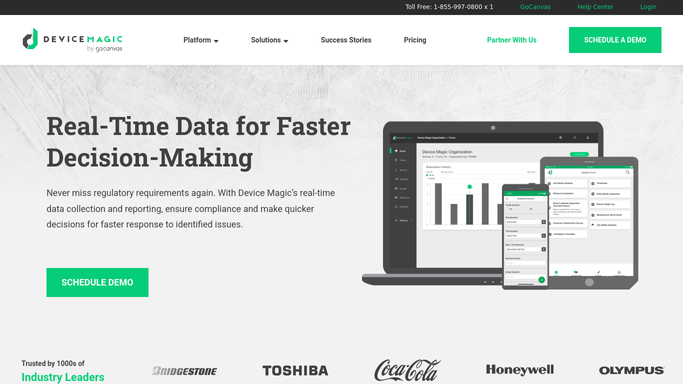
WebRun opens Device Magic to read the new submission. - Open Device Magic and read the newest form submission
- Capture the site, submitter, timestamp, and each answer
- Note any item marked failed, flagged, or out of range
Done when The new submission's answers and any flagged items are captured.
-
2
Google Sheets - log the submission
google.com How to Automate Google Sheets

WebRun opens Google Sheets to log the submission. - Open the submissions log
- Add a row with the site, submitter, timestamp, and pass or fail result
- Keep every submission in the log, not just the failures
Done when The submission is logged as a row in Google Sheets.
-
3
Notion - flag failed items
notion.so How to Automate Notion

WebRun opens Notion to flag failed items. - Create a task for any submission with a failed or flagged item
- Include the site, the specific item that failed, and who submitted it
- Leave the task open until someone marks it resolved
Done when A Notion task exists for every failed or flagged submission.
How is each run configured?
Secure by default
Connect once, stays signed in
WebRun signs in once and keeps each session in a persistent environment, so every run picks up right where it left off.
Every action is checked against this policy before it runs.
Questions, answered
Does it notify the client or site owner about a failed inspection?
No. WebRun only logs the submission and creates an internal Notion task for your team. Any client facing report or notice stays a step your team sends.
What counts as a failed submission?
Any Device Magic form where an item is answered failed, flagged, or outside the range your form defines, so the task list stays limited to what actually needs a follow-up.
Does every submission get logged, or just the failures?
Every submission is logged as a row in Google Sheets. Only the failed or flagged ones also get a Notion task, so the full record and the follow-up list stay separate.
Related templates
Put this on autopilot.
Turn it on in minutes - or have our team set it up for you.