Chase down code quality issues DeepSource already found
Every morning, WebRun opens DeepSource, reviews open issues across your repositories, finds autofixable or high-severity issues open more than a week, creates a Trello card for tracking, and messages the repository owner on WhatsApp so known, fixable problems do not sit unresolved.
- No credit card
- Under $0.01 per run
- Cancel anytime
What does WebRun do on every run?
The exact actions WebRun takes, in order - in plain language, so you can adjust anything.
-
WebRun signs in and gets to work
Opens
app.deepsource.com/loginin a real browser with your saved login - no setup, no API keys. -
1
DeepSource - review open issues
deepsource.com

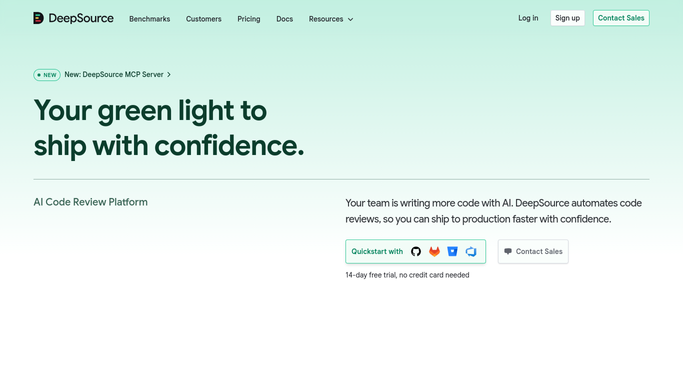
WebRun opens DeepSource to review open issues. - Open DeepSource and review open issues across repositories
- Check how long each high-severity or autofixable issue has been open
- Flag anything open more than seven days and note the repository owner
Done when Every issue open more than seven days is identified with its severity and owner.
-
2
Trello - create the fix card
trello.com How to Automate Trello
WebRun opens Trello to create the fix card. - Open the Code Quality Trello board
- Create a card for each stale issue with its severity, file, and a link to DeepSource
- Place it in the To Resolve column
Done when A Trello card exists for every DeepSource issue open more than seven days.
-
3
WhatsApp - ping the repository owner
whatsapp.com How to Automate WhatsApp
WebRun opens WhatsApp to ping the repository owner. - Message the repository owner on WhatsApp
- Include the issue summary, severity, and the Trello card link
- Ask them to resolve it or mark it as intentionally ignored
Done when The repository owner has been messaged about every stale issue.


How do I stop DeepSource issues from sitting open for weeks?
WebRun reviews open DeepSource issues every morning, finds high-severity or autofixable ones open more than a week, and creates a Trello card for tracking. It then messages the repository owner directly on WhatsApp, so known, fixable code quality problems get resolved instead of sitting open indefinitely in a list nobody checks.
- Fixable issues get a card and a ping within a day of going stale
- Repository owners are notified directly instead of relying on a dashboard check
- Issues intentionally ignored stop showing up automatically
Built for Engineering teams · code quality owners · engineering managers · platform teams
How is each run configured?
Secure by default
Connect once, stays signed in
WebRun signs in once and keeps each session in a persistent environment, so every run picks up right where it left off.
Every action is checked against this policy before it runs.
Questions, answered
Will WebRun apply the autofix itself?
No. It only tracks how long an issue has sat open and notifies the owner. Applying an autofix or editing the code stays a decision made in DeepSource or your editor by a developer.
Which issues get picked up?
High-severity issues and anything DeepSource marks as autofixable, since those are the ones most worth resolving quickly.
What if the team decided to ignore an issue on purpose?
Once it is marked ignored in DeepSource, it stops appearing in the daily chase list.
Related templates
Put this on autopilot.
Turn it on in minutes - or have our team set it up for you.