Get eyes on every large transaction the day it lands
Every morning, WebRun signs in to your DBS Bank business account, reads yesterday's credits and debits, flags anything above your review threshold or from a counterparty it has not seen before, opens a Trello verification card for each flagged item, and queues a Twilio text to the finance lead when something needs same-day attention.
- No credit card
- Under $0.01 per run
- Cancel anytime
How do I review large business bank transactions every day?
WebRun reviews your DBS Bank activity every morning. It reads yesterday's credits and debits, flags anything above your threshold or from a counterparty absent for 90 days, opens a Trello verification card for each, and queues a Twilio text to the finance lead for same-day items.
- Large payments get a human check the day after they land
- A first-time counterparty is never mistaken for a regular supplier
- Every flagged item has a card and an owner instead of a mental note
Built for finance teams · business owners in Singapore · controllers · operations managers
What does WebRun do on every run?
The exact actions WebRun takes, in order - in plain language, so you can adjust anything.
-
WebRun signs in and gets to work
Opens
www.dbs.comin a real browser with your saved login - no setup, no API keys. -
1
DBS Bank - read yesterday's account activity
dbs.com
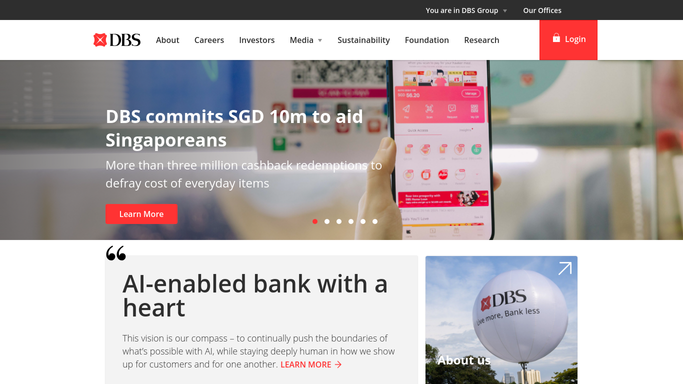
WebRun opens DBS Bank to read yesterday's account activity. - Sign in at dbs.com and open the transaction history for each business account
- Capture yesterday's credits and debits with date, counterparty, reference, and amount
- Flag every transaction above your review threshold
- Also flag any counterparty name that has not appeared in the last 90 days of history
- Record the closing balance per account
Done when Yesterday's activity is captured and every item needing review is flagged.
-
2
Trello - open a verification card per item
trello.com How to Automate Trello

WebRun opens Trello to open a verification card per item. - Open your finance board and check for an existing card for that transaction reference
- Create a verification card for each flagged item, titled with the counterparty and amount
- Put the date, reference, account, and the reason it was flagged in the description
- Set the due date to the same day so nothing waits a week for a look
Done when Every flagged transaction has one dated verification card.
-
3
Twilio - queue an alert to the finance lead
twilio.com How to Automate Twilio

WebRun opens Twilio to queue an alert to the finance lead. - Open Twilio and compose a short alert for the finance lead when a flagged item needs same-day attention
- Include the counterparty, the amount, the account, and why it was flagged
- Leave the message queued as a draft for a human to approve and send
Done when A ready-to-send alert sits in Twilio whenever same-day attention is needed.
How is each run configured?
Secure by default
Connect once, stays signed in
WebRun signs in once and keeps each session in a persistent environment, so every run picks up right where it left off.
Every action is checked against this policy before it runs.
Questions, answered
Can it move money out of the account?
No. WebRun never makes a payment, a transfer, or any change to your DBS Bank account. It reads the transaction history and reports what it finds.
Will it text anyone without approval?
No. The Twilio alert is written and left queued for a human to approve and send. Only the internal Trello card is created automatically.
How does it know a counterparty is unfamiliar?
It compares each name against the last 90 days of your own transaction history, so a genuinely new payer or payee is flagged while regular suppliers are not.
Related templates
Put this on autopilot.
Turn it on in minutes - or have our team set it up for you.