Never miss a Crypto.com staking lock expiry
Every morning, WebRun opens Crypto.com, reads your active staking positions and their lock-up end dates, creates a Trello card for any position unlocking within 7 days so you remember to decide what to do with it, and sends a WhatsApp reminder on the day it actually unlocks.
- No credit card
- Under $0.01 per run
- Cancel anytime
How do I track my Crypto.com staking lock-up expiry dates?
WebRun checks your Crypto.com staking positions every morning and tracks each lock-up period's end date. Any position unlocking within a week gets a Trello card so it is not forgotten, and on the actual unlock day you get a WhatsApp reminder naming the asset and amount, leaving the decision of what to do next entirely to you.
- No staking position quietly unlocks and sits idle because you forgot the date
- Trello gives you a week's notice to decide, not a same-day scramble
- The WhatsApp nudge only fires on an actual unlock day, never as noise
Built for crypto investors · staking participants · long-term holders · crypto portfolio managers
What does WebRun do on every run?
The exact actions WebRun takes, in order - in plain language, so you can adjust anything.
-
WebRun signs in and gets to work
Opens
crypto.comin a real browser with your saved login - no setup, no API keys. -
1
Crypto.com - read staking positions and lock dates
crypto.com
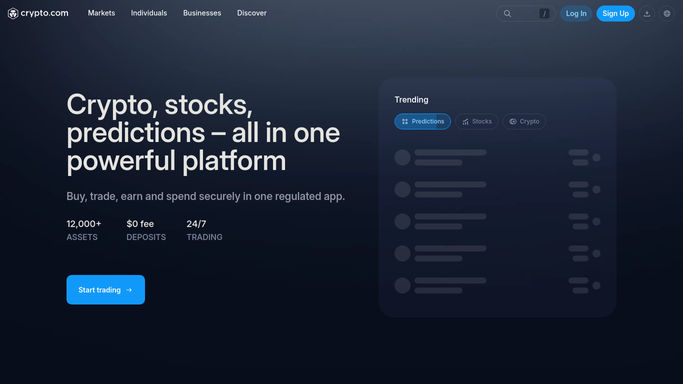
WebRun opens Crypto.com to read staking positions and lock dates. - Open Crypto.com and review all active staking and lock-up positions
- Capture the asset, amount, and lock-up end date for each
- Flag any position unlocking within the next 7 days
Done when Every staking position and its lock-up end date is captured.
-
2
Trello - create the upcoming-expiry card
trello.com How to Automate Trello

WebRun opens Trello to create the upcoming-expiry card. - Create a card on the Staking Reviews board for any position unlocking within 7 days
- Title it with the asset, amount, and exact unlock date
- Move the card to Unlocked once the date passes
Done when Every upcoming unlock has a tracked Trello card.
-
3
WhatsApp - send the unlock-day reminder
whatsapp.com How to Automate WhatsApp

WebRun uses WhatsApp to send the unlock-day reminder. - On the day a position actually unlocks, send a reminder naming the asset and amount
- Note that restaking or moving it is your decision to make
- Send nothing on days with no unlock
Done when You get a same-day WhatsApp nudge for every unlock, and nothing on quiet days.
How is each run configured?
Secure by default
Connect once, stays signed in
WebRun signs in once and keeps each session in a persistent environment, so every run picks up right where it left off.
Every action is checked against this policy before it runs.
Questions, answered
Does WebRun restake or move my crypto when a lock-up ends?
No. WebRun only tracks the dates and reminds you. Restaking, withdrawing, or moving any asset is a decision you make yourself in the Crypto.com app. WebRun never moves funds.
How far ahead does the Trello card show up?
Seven days before a lock-up ends by default, so you have time to plan, and the reminder window can be adjusted.
What happens to positions with no lock-up period?
They are read but not tracked for expiry, since there is nothing to unlock. Only fixed-term staking positions get a card and a reminder.
Related templates
Put this on autopilot.
Turn it on in minutes - or have our team set it up for you.