Hand off pages that need a redesign from Crazy Egg heatmaps
Every Monday, WebRun opens Crazy Egg, checks last week's scroll-map and click-map data for key pages, opens a Trello card for the page with the clearest layout problem, and pings the designer on WhatsApp with the findings.
- No credit card
- Under $0.01 per run
- Cancel anytime
How do I turn Crazy Egg heatmap findings into an action item for my designer?
WebRun checks Crazy Egg's scroll-map and click-map data every Monday, finds the page with the clearest sign of a layout problem, like a sharp scroll drop-off or dead clicks, and opens a Trello card with the findings. It pings the designer on WhatsApp, so a page that's frustrating users always gets a named owner to look at it.
- A page with a real layout problem always gets a named owner
- Heatmap findings turn into a tracked card, not a forgotten dashboard
- The designer gets a direct WhatsApp handoff instead of checking Crazy Egg
Built for product designers · UX teams · product managers · growth teams
What does WebRun do on every run?
The exact actions WebRun takes, in order - in plain language, so you can adjust anything.
-
WebRun signs in and gets to work
Opens
app.crazyegg.comin a real browser with your saved login - no setup, no API keys. -
1
Crazy Egg - check scroll-map and click-map data
crazyegg.com
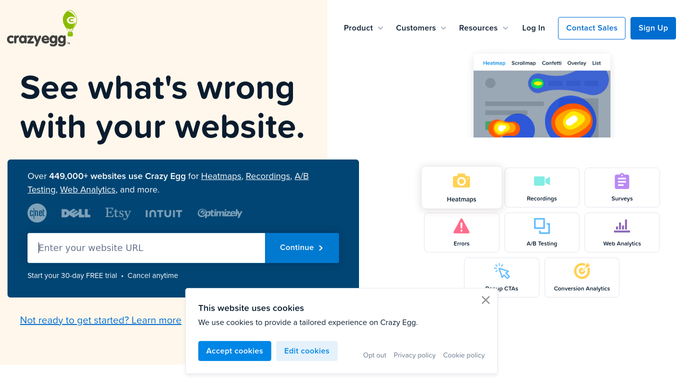
WebRun opens Crazy Egg to check scroll-map and click-map data. - Open Crazy Egg and pull last week's scroll-map and click-map data for key pages
- Check where users are dropping off or clicking dead elements
- Note the page with the clearest sign of a layout problem
Done when Every tracked page's heatmap data has been checked.
-
2
Trello - open a card for the page
trello.com How to Automate Trello

WebRun opens Trello to create a card for the page. - Open a card for the page with the clearest layout problem
- Attach the scroll-map and click-map findings
Done when A Trello card exists for this week's flagged page.
-
3
WhatsApp - ping the designer
whatsapp.com How to Automate WhatsApp

WebRun sends a WhatsApp message to ping the designer. - Message the designer with the card and a one-line summary of the finding
- Leave the redesign decision to them
Done when The designer has a WhatsApp handoff for this week's flagged page.
How is each run configured?
Secure by default
Connect once, stays signed in
WebRun signs in once and keeps each session in a persistent environment, so every run picks up right where it left off.
Every action is checked against this policy before it runs.
Questions, answered
Will it redesign the page or change anything on the site?
No. WebRun only reports the heatmap finding and hands it off. Redesigning the page is a decision left to your designer.
How does it pick which page to flag?
It looks for the clearest sign of a layout problem, like a sharp scroll drop-off or clicks piling up on a non-clickable element, so the weekly handoff is the page most likely to need attention.
What if no page has a clear problem that week?
The card still posts, noting the pages checked came back clean, so a quiet week is confirmed rather than assumed.
Related templates
Put this on autopilot.
Turn it on in minutes - or have our team set it up for you.