Chase stalled Coursera learners for you
Every Monday, WebRun opens Coursera, checks each employee's course progress and completion under your team's plan, logs it to Airtable, and drafts a Gmail nudge for anyone stalled 2 or more weeks that you review and send.
- No credit card
- Under $0.01 per run
- Cancel anytime
How do I follow up with employees who stall out on Coursera?
WebRun checks each employee's Coursera progress every Monday, logs completion status to Airtable, and drafts a Gmail nudge for anyone with no activity in 2 or more weeks, naming the course and how close they are to finishing, so a stalled enrollment gets a human nudge before it quietly expires.
- Stalled learners get a nudge within a week of going quiet
- Course progress is logged automatically, no manual dashboard checks
- Nobody gets an email until a human reviews and sends it
Built for L&D managers · corporate training teams · HR upskilling programs · people operations
What does WebRun do on every run?
The exact actions WebRun takes, in order - in plain language, so you can adjust anything.
-
WebRun signs in and gets to work
Opens
www.coursera.orgin a real browser with your saved login - no setup, no API keys. -
1
Coursera - check course progress
coursera.org
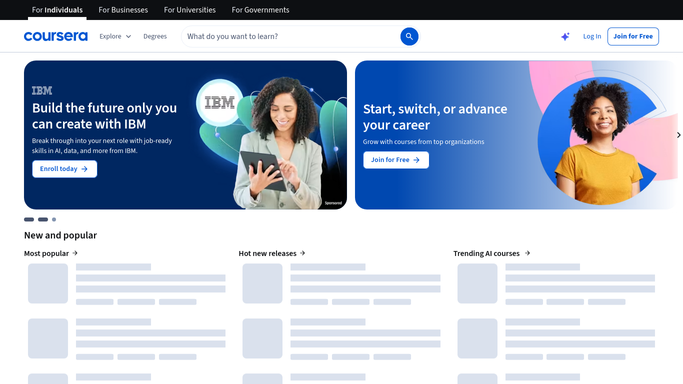
WebRun opens Coursera to check course progress. - Open your team's learner dashboard and check each enrollment
- Note percent complete and days since last activity
- Flag anyone with no activity for 2 or more weeks
Done when Every enrolled employee's progress is captured.
-
2
Airtable - log completion status
airtable.com How to Automate Airtable

WebRun opens Airtable to log completion status. - Log each employee's completion percentage and last-activity date
- Update existing rows rather than duplicating them
- Mark completed courses as done and remove them from the active list
Done when Every active enrollment is logged with its current status.
-
3
Gmail - draft a stalled-learner nudge
gmail.com How to Automate Gmail

WebRun opens Gmail to draft a stalled-learner nudge. - Draft a short, encouraging nudge for each stalled learner
- Name the course and how close they are to finishing
- Leave every draft unsent in your drafts folder for you to review and send
Done when A reviewable nudge draft exists for every stalled learner.
How is each run configured?
Secure by default
Connect once, stays signed in
WebRun signs in once and keeps each session in a persistent environment, so every run picks up right where it left off.
Every action is checked against this policy before it runs.
Questions, answered
Will it email employees without me?
No. Every nudge is drafted in Gmail and left unsent. WebRun never emails an employee on its own, you review and send each draft.
How stalled does a learner need to be to get flagged?
No course activity for 2 or more weeks. Anyone still making progress stays off the nudge list entirely.
Does it track courses outside a team plan?
It reads whatever learner dashboard you connect it to, so it works the same on an individual account or a Coursera for Business plan.
Related templates
Put this on autopilot.
Turn it on in minutes - or have our team set it up for you.