Track seasonal bakeware demand before you reorder
Every Monday, WebRun opens RetailEdge, compares this season's bakeware sales by SKU and brand against the same period last year, logs the trend to Google Sheets, and posts a short recap to Telegram so you know what to reorder before the season peaks.
- No credit card
- Under $0.01 per run
- Cancel anytime
What does WebRun do on every run?
The exact actions WebRun takes, in order - in plain language, so you can adjust anything.
-
WebRun signs in and gets to work
Opens
www.retailedge.comin a real browser with your saved login - no setup, no API keys. -
1
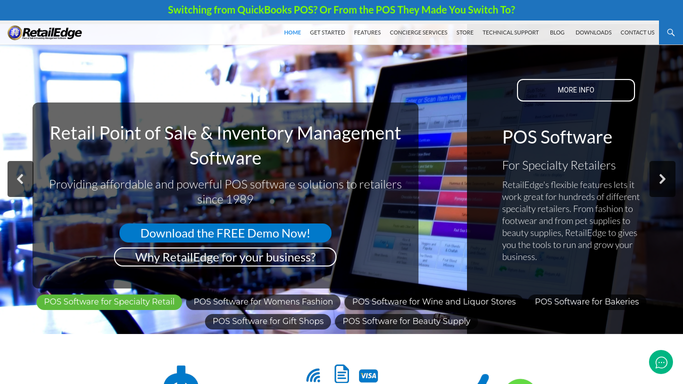
RetailEdge - compare this season's bakeware sales to last year
retailedge.com How to Automate RetailEdge

WebRun opens RetailEdge to compare this season's bakeware sales to last year. - Open RetailEdge and pull this season's bakeware sales by SKU and brand
- Compare against the same weeks last year
- Flag SKUs trending up or down by more than 20 percent
Done when Every bakeware SKU has a year over year trend.
-
2
Google Sheets - log the seasonal trend
google.com How to Automate Google Sheets
WebRun opens Google Sheets to log the seasonal trend. - Open the seasonal demand log and add this week's trend rows
- Carry forward a running view of the season so far
Done when The seasonal demand log has this week's row logged.
-
3
Telegram - post the demand recap
telegram.org How to Automate Telegram
WebRun opens Telegram to post the demand recap. - Post a short recap of which bakeware lines are trending up or down versus last year
- Call out anything trending fast enough to reorder ahead of the season peak
Done when This week's bakeware demand recap is posted to Telegram.


How do I know which bakeware to reorder before the season peaks?
Every Monday, WebRun compares this season's bakeware sales in RetailEdge against the same weeks last year by SKU and brand, logs the trend to Google Sheets, and posts a short recap to Telegram. You see which bakeware lines are trending up early enough to reorder before the season peaks, without pulling the comparison yourself.
- Trending bakeware lines surface before the season peaks
- Year over year comparisons run automatically every week
- Reorder decisions are backed by real sales trends, not guesswork
Built for cookware and kitchenware retailers · independent housewares stores · specialty bakeware buyers
How is each run configured?
Secure by default
Connect once, stays signed in
WebRun signs in once and keeps each session in a persistent environment, so every run picks up right where it left off.
Every action is checked against this policy before it runs.
Questions, answered
Does this place any reorders on its own?
No. It only compares sales trends and posts a recap. Any reorder still goes through you or your separate reorder workflow.
What counts as a significant trend?
Any bakeware SKU selling more than 20 percent above or below the same weeks last year, so you catch a real shift, not normal week to week noise.
Does it account for different store locations?
It reads RetailEdge's combined sales across your locations, so seasonal trends reflect your whole store footprint, not just one location.
Related templates
Put this on autopilot.
Turn it on in minutes - or have our team set it up for you.