Get your coding club's weekly Codewars scorecard
Every Sunday, WebRun opens Codewars, checks each club member's kata completions and rank changes for the week, logs it to Airtable, and drafts a Gmail recap in the club advisor's own inbox summarizing who's most active and who ranked up.
- No credit card
- Under $0.01 per run
- Cancel anytime
How do I track my coding club's weekly Codewars progress?
WebRun checks each coding club member's Codewars activity every Sunday, logs kata completed and rank changes to Airtable, and drafts a Gmail recap in the advisor's own inbox naming who's most active and who ranked up, so the club gets a weekly scorecard without anyone reporting their own progress.
- Weekly progress is visible without members self-reporting
- Rank-ups get recognized the same week they happen
- Advisors get a ready recap instead of writing one from scratch
Built for coding club advisors · university programming clubs · after-school STEM programs · self-organized developer groups
What does WebRun do on every run?
The exact actions WebRun takes, in order - in plain language, so you can adjust anything.
-
WebRun signs in and gets to work
Opens
www.codewars.comin a real browser with your saved login - no setup, no API keys. -
1
Codewars - check kata completions
codewars.com
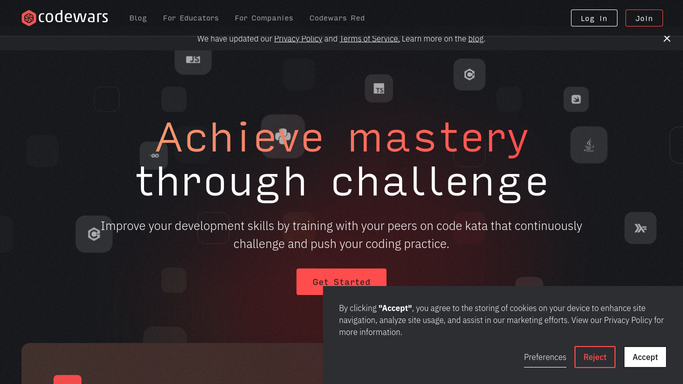
WebRun opens Codewars to check kata completions. - Open each member's public profile and check this week's completed kata
- Note honor points earned and any rank change
- Compare against last week's totals
Done when Every member's weekly Codewars activity is captured.
-
2
Airtable - log the weekly scorecard
airtable.com How to Automate Airtable

WebRun opens Airtable to log the weekly scorecard. - Log each member's kata completed and honor points as this week's row
- Keep prior weeks so the sheet tracks a running trend
- Flag anyone who ranked up this week
Done when This week's scorecard is logged for every member.
-
3
Gmail - draft the advisor recap
gmail.com How to Automate Gmail

WebRun opens Gmail to draft the advisor recap. - Draft a recap in the advisor's own inbox with this week's standings
- Call out anyone who ranked up
- Leave it in drafts for the advisor to review before sharing with the club
Done when A ready-to-send weekly recap is waiting in Gmail drafts.
How is each run configured?
Secure by default
Connect once, stays signed in
WebRun signs in once and keeps each session in a persistent environment, so every run picks up right where it left off.
Every action is checked against this policy before it runs.
Questions, answered
Does it email the whole club automatically?
No. The recap is drafted only in the advisor's own Gmail inbox and left unsent. The advisor decides when it goes out.
How does it count kata completed?
It reads each member's public Codewars profile, so the count reflects actual completed kata, not self-reported totals.
Does it work for members at different rank levels?
Yes. It tracks each member's own rank and progress individually, so beginners and advanced members are compared fairly against their own history.
Related templates
Put this on autopilot.
Turn it on in minutes - or have our team set it up for you.