Automated Clockify Timesheet Approval Digest
Every Friday, WebRun opens Clockify, checks which timesheets are unsubmitted or still awaiting approval, archives the week's time report to Google Drive, and posts a Slack digest to managers so approvals clear before payroll runs.
How do I get Clockify timesheets approved before payroll?
WebRun digests Clockify timesheets every Friday. It checks which are unsubmitted or still awaiting approval, archives the week's time report to Google Drive, and posts a Slack list to each manager, so approvals clear before payroll runs instead of holding up the pay cycle.
- Timesheet approvals clear before payroll cutoff, not after
- Managers get a focused Slack list instead of checking Clockify manually
- A dated time report archived every week in Google Drive
Built for People managers · payroll admins · HR operations · agencies and consultancies
What does WebRun do on every run?
The exact actions WebRun takes, in order - in plain language, so you can adjust anything.
-
WebRun signs in and gets to work
Opens
clockify.mein a real browser with your saved login - no setup, no API keys. -
1
Clockify - check timesheet status
clockify.me
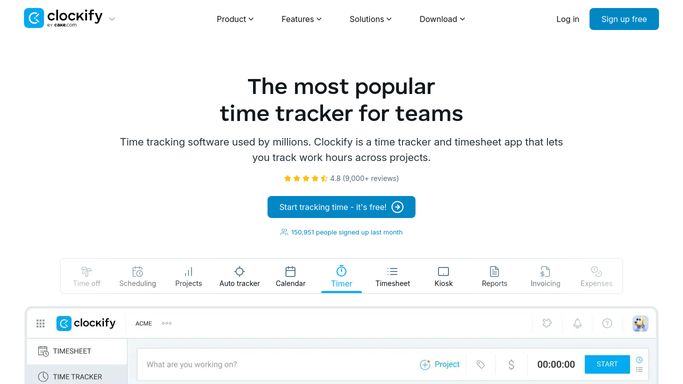
WebRun opens Clockify to check timesheet status. - Open Clockify and pull this week's timesheet status by employee
- List anyone who hasn't submitted their hours
- List submitted timesheets still awaiting manager approval
Done when Every employee's timesheet status for the week is captured.
-
2
Google Drive - archive the weekly report
drive.google.com

WebRun opens Google Drive to archive the weekly report. - Save the week's time report as a dated file in the timesheet archive
- Keep prior weeks for reference
Done when This week's time report is archived in Google Drive.
-
3
Slack - digest to managers for approval
slack.com

WebRun opens Slack to digest to managers for approval. - Post each manager their team's unsubmitted and unapproved timesheets
- Flag anything still open the day before payroll cutoff
Done when Every manager has this week's approval list in Slack.
How is each run configured?
Secure by default
Connect once, stays signed in
WebRun signs in once and keeps each session in a persistent environment, so every run picks up right where it left off.
Every action is checked against this policy before it runs.
Questions, answered
Does WebRun submit or approve timesheets?
No. It only reads status and reports what's outstanding. Submitting hours or approving a timesheet always stays a manual step for the employee or manager.
Does it message employees about unsubmitted hours?
No. The Slack digest goes to managers with their team's status. WebRun never contacts an individual employee directly.
Is there a record kept over time?
Yes. Google Drive keeps a dated report every Friday, so you have an archive of timesheet status across weeks.
Related templates
Put this on autopilot.
Turn it on in minutes - or have our team set it up for you.