Get last week's billable hours to whoever raises the invoices
Every Monday, WebRun opens Clockify, pulls last week's approved time entries, keeps the billable ones, groups the hours by client and project with the hourly rate on each, writes the breakdown into Airtable, and posts a billing handoff to Notion so invoices can be raised without waiting on an export.
- No credit card
- Under $0.01 per run
- Cancel anytime
What does WebRun do on every run?
The exact actions WebRun takes, in order - in plain language, so you can adjust anything.
-
WebRun signs in and gets to work
Opens
clockify.mein a real browser with your saved login - no setup, no API keys. -
1
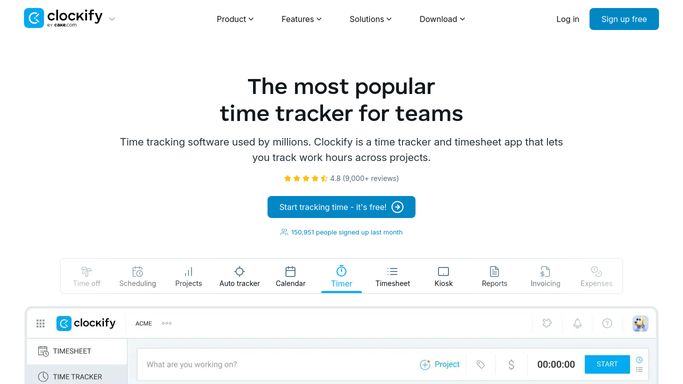
Clockify - pull last week's billable time
clockify.me

WebRun opens Clockify to pull last week's billable time. - Open Clockify and set the reports range to last week, Monday through Sunday
- Pull the time entries and keep only the ones marked billable
- Skip entries still awaiting approval and note them separately as unresolved
- Group the remaining hours by client and project, carrying the hourly rate on each
- Never edit or approve a time entry. WebRun only reads what has been approved
Done when Last week's approved billable hours are grouped by client and project with rates.
-
2
Airtable - write the per client breakdown
airtable.com How to Automate Airtable
WebRun opens Airtable to write the per client breakdown. - Open your billing base in Airtable and add rows for last week
- Record a row per client and project with hours, hourly rate, and the value it comes to
- List the people who logged the time on each row so a query can be answered quickly
- Add a separate row for hours still awaiting approval, so nothing is silently dropped
Done when Every client and project has a dated row with hours, rate, and value.
-
3
Notion - post the billing handoff
notion.so How to Automate Notion
WebRun opens Notion to post the billing handoff. - Post the billing handoff to your finance page in Notion
- Show one block per client with total billable hours, the value, and the projects behind it
- List unapproved hours separately so finance knows what may still be added
- Present it as a handoff for a person to invoice from. WebRun never raises or sends an invoice
Done when Finance has a per client billing handoff in Notion first thing Monday.


How do I get billable hours out of time tracking and into invoicing?
WebRun prepares your billing handoff every Monday. It pulls last week's approved billable time from Clockify, groups the hours by client and project with the rate on each, writes the breakdown into Airtable, and posts a per client handoff to Notion so invoices go out without waiting on an export.
- Invoices go out Monday instead of waiting on someone to export a report
- Every client total shows the projects and rates behind it
- Unapproved hours are visible separately rather than silently dropped
Built for agencies · consultancies · finance teams · operations managers
How is each run configured?
Secure by default
Connect once, stays signed in
WebRun signs in once and keeps each session in a persistent environment, so every run picks up right where it left off.
Every action is checked against this policy before it runs.
Questions, answered
Will it raise or send invoices?
No. WebRun prepares the per client breakdown and hands it over in Notion. Creating an invoice and sending it to a client stays with the person who owns billing, so nothing reaches a customer automatically.
Does it include unapproved time?
Not in the billable totals. Hours still awaiting approval are listed in a separate line so finance can see what might still be added once a manager signs off, without it inflating this week's figures.
Can it change time entries in Clockify?
No. It reads the reports for last week and writes nowhere in Clockify. Approving, editing, or reclassifying a time entry stays with the manager who owns the timesheet.
Related templates
Put this on autopilot.
Turn it on in minutes - or have our team set it up for you.