Catch Clever roster sync errors before teachers do
Every night, WebRun opens the Clever sync dashboard, checks for rostering errors between your student information system and connected apps, logs each error to Airtable with the affected app, and updates a running fix-it log in Notion.
- No credit card
- Under $0.01 per run
- Cancel anytime
How do I catch Clever roster sync errors before they reach teachers?
WebRun checks the Clever sync dashboard every night for rostering errors between your student information system and connected apps, logs each one to Airtable by affected app, and keeps a running fix-it log in Notion, so IT catches broken rosters before a teacher opens a class with missing students.
- Roster errors are caught overnight instead of during class
- Every open error is assigned to the right connected app
- IT has one running log instead of re-checking the dashboard daily
Built for district IT admins · school technology coordinators · SIS administrators · edtech support teams
What does WebRun do on every run?
The exact actions WebRun takes, in order - in plain language, so you can adjust anything.
-
WebRun signs in and gets to work
Opens
clever.comin a real browser with your saved login - no setup, no API keys. -
1
Clever - check the sync dashboard
clever.com
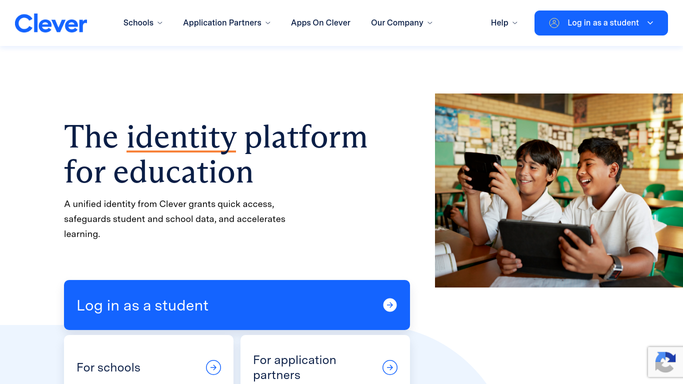
WebRun opens Clever to check the sync dashboard. - Open the sync dashboard and review the latest sync run
- List every unmatched student, teacher, or section error
- Note which connected app each error affects
Done when Every error from the latest sync run is captured.
-
2
Airtable - log each sync error
airtable.com How to Automate Airtable

WebRun opens Airtable to log each sync error. - Log each new error as a row with the affected app and record type
- Mark errors already logged as still open
- Close out rows for errors that cleared on their own
Done when Every open sync error is tracked as a row in Airtable.
-
3
Notion - update the fix-it log
notion.so How to Automate Notion

WebRun opens Notion to update the fix-it log. - Update the shared fix-it log with tonight's new and open errors
- Group errors by connected app for whoever owns that integration
- Note how many nights an error has stayed open
Done when The fix-it log reflects every currently open sync error.
How is each run configured?
Secure by default
Connect once, stays signed in
WebRun signs in once and keeps each session in a persistent environment, so every run picks up right where it left off.
Every action is checked against this policy before it runs.
Questions, answered
Will it fix sync errors on its own?
No. It only reads and logs the errors Clever reports. Correcting the underlying SIS record or app connection is always done by your IT team.
Does it change any student or teacher records?
No. It only reads the sync dashboard and writes to your own Airtable and Notion. It never edits Clever, SIS, or connected-app data.
How long does an error stay on the log?
It stays open until the next sync run shows it resolved, so the fix-it log always reflects what is still broken tonight.
Related templates
Put this on autopilot.
Turn it on in minutes - or have our team set it up for you.