Find the families your class updates never reach
Every Monday, WebRun opens ClassDojo, walks the roster of each class, records which students have a connected parent and which do not, tracks the connection rate per class in Airtable, and builds a ready invite list in Notion naming the families to reach again, without sending anything itself.
- No credit card
- Under $0.01 per run
- Cancel anytime
How do I find which students have no parent connected?
WebRun checks parent coverage in ClassDojo every Monday. It walks each class roster, records which students have a connected parent and which invites are still pending, tracks the connection rate per class in Airtable, and builds a ready invite list in Notion for you to send.
- Every family not receiving class updates is named each Monday
- Never invited families are separated from invites still pending
- The connection rate per class is tracked week over week
Built for teachers · school administrators · family engagement leads · instructional coaches
What does WebRun do on every run?
The exact actions WebRun takes, in order - in plain language, so you can adjust anything.
-
WebRun signs in and gets to work
Opens
www.classdojo.comin a real browser with your saved login - no setup, no API keys. -
1
ClassDojo - check parent connections
classdojo.com
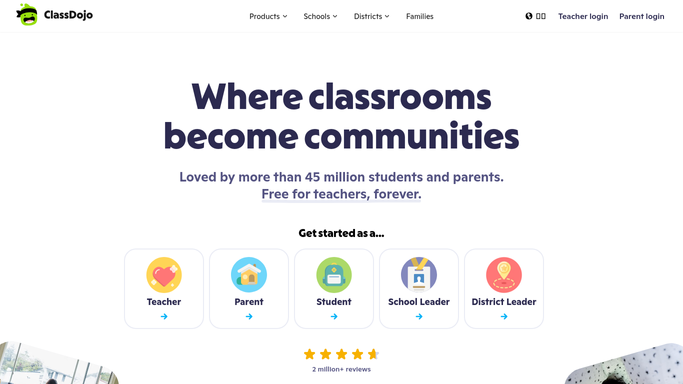
WebRun opens ClassDojo to check parent connections. - Open ClassDojo and go to the roster for each of your classes
- For each student, check whether a parent is connected and whether an invite is still pending
- Note how long any pending invite has been outstanding
Done when Every student is marked as connected, invited, or never invited.
-
2
Airtable - track coverage per class
airtable.com How to Automate Airtable

WebRun opens Airtable to track coverage per class. - Record this week's connection rate for each class with the counts behind it
- Keep one row per student showing the current connection status and the date it last changed
- Show the change since last week so progress after a push is visible
Done when Airtable holds this week's connection rate and per student status for every class.
-
3
Notion - build the invite list
notion.so How to Automate Notion

WebRun opens Notion to build the invite list. - Build a short invite list page naming the students whose families are still not connected
- Separate the never invited from the invited but not yet joined, with the days pending
- Leave the list for you to act on. Never send an invite or message a parent
Done when You have a ready list of families to invite again in Notion.
How is each run configured?
Secure by default
Connect once, stays signed in
WebRun signs in once and keeps each session in a persistent environment, so every run picks up right where it left off.
Every action is checked against this policy before it runs.
Questions, answered
Will it message parents or send invites?
No. WebRun never sends an invite or a message. It prepares the list of families still not connected, and you send the invitation from ClassDojo yourself.
What does it record about students?
Only the connection status and the date it changed. It does not copy points, story posts, messages, or any other information about a child into Airtable or Notion.
Does it tell the difference between never invited and not joined?
Yes. The Notion list separates families who were never invited from those with an invite still pending, along with the days it has been outstanding, so each group gets the right approach.
Related templates
Put this on autopilot.
Turn it on in minutes - or have our team set it up for you.