Keep an accurate inventory of what you publish
Every Monday, WebRun opens Citrix Cloud, walks your delivery groups and published applications, records which user groups each one is assigned to, syncs the whole inventory into Airtable, flags anything that changed since last week, and refreshes the runbook page in Notion.
- No credit card
- Under $0.01 per run
- Cancel anytime
How do I keep an up-to-date inventory of Citrix published apps?
WebRun signs in to Citrix Cloud every Monday and lists your delivery groups and published applications with their user assignments and current state. It syncs the inventory into Airtable, flags every difference against last week, and refreshes the Notion runbook, so support always reads a current estate.
- Support reads a runbook that matches the live estate every week
- Unassigned or orphaned published apps are named on Mondays
- Audit history is preserved because retired apps are kept, not deleted
Built for IT administrators · virtual desktop teams · service desk leads · managed service providers
What does WebRun do on every run?
The exact actions WebRun takes, in order - in plain language, so you can adjust anything.
-
WebRun signs in and gets to work
Opens
citrix.cloud.comin a real browser with your saved login - no setup, no API keys. -
1
Citrix Cloud - list delivery groups and published apps
citrix.com
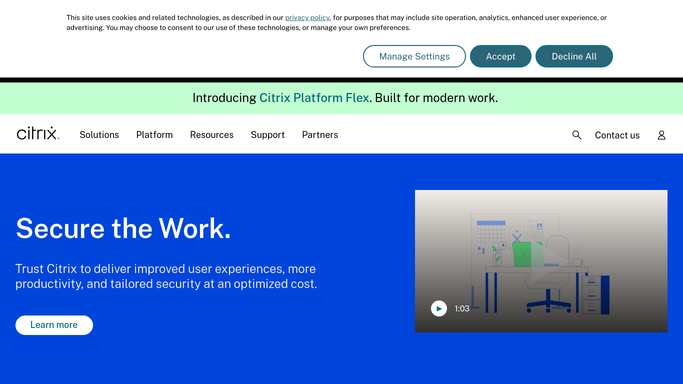
WebRun opens Citrix Cloud to list delivery groups and published apps. - Sign in to Citrix Cloud and open your virtual apps and desktops service
- List every delivery group with its machine catalog and current state
- List every published application with its delivery group and assigned user groups
- Note anything disabled, in maintenance mode, or with no assignment at all
Done when Every delivery group and published app is captured with its assignment and state.
-
2
Airtable - sync the inventory and flag changes
airtable.com How to Automate Airtable

WebRun opens Airtable to sync the inventory and flag changes. - Open your IT estate base in Airtable
- Update the record for each delivery group and published app, adding anything new
- Mark records that no longer appear in Citrix Cloud as retired rather than deleting them
- Flag every difference against last week's snapshot in a changes view
Done when Airtable matches the live Citrix Cloud estate and lists this week's changes.
-
3
Notion - refresh the runbook page
notion.so How to Automate Notion

WebRun opens Notion to refresh the runbook page. - Open the Citrix runbook page in Notion
- Refresh the published app table so support staff read current assignments
- Add a short changes note at the top listing what was added, retired, or reassigned
- Leave the manual troubleshooting sections untouched
Done when The Notion runbook shows this week's estate and the changes summary.
How is each run configured?
Secure by default
Connect once, stays signed in
WebRun signs in once and keeps each session in a persistent environment, so every run picks up right where it left off.
Every action is checked against this policy before it runs.
Questions, answered
Can it change anything in Citrix Cloud?
No. WebRun reads the delivery groups and published applications only. It never edits an assignment, never restarts a machine, and never puts anything into maintenance mode. Every change stays with your admins.
What happens to apps that disappear from Citrix?
They are marked retired in Airtable rather than deleted, so you keep the history of what was published and when it went away, which matters during an audit.
Will it overwrite my runbook notes in Notion?
No. It refreshes only the published app table and the changes note at the top. Hand-written troubleshooting sections are left exactly as your team wrote them.
Related templates
Put this on autopilot.
Turn it on in minutes - or have our team set it up for you.