Keep new hire onboarding on track before day one
Every morning, WebRun opens CharlieHR, checks onboarding task and document status for every new hire starting that month, files completed documents to Google Drive, and texts the office manager a short list of what's still outstanding before day one.
- No credit card
- Under $0.01 per run
- Cancel anytime
What does WebRun do on every run?
The exact actions WebRun takes, in order - in plain language, so you can adjust anything.
-
WebRun signs in and gets to work
Opens
charliehr.comin a real browser with your saved login - no setup, no API keys. -
1
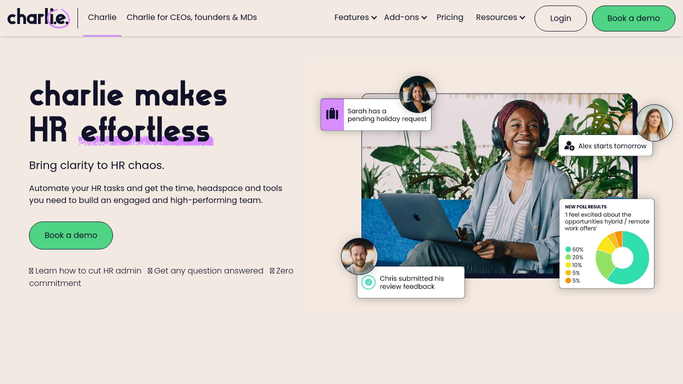
CharlieHR - check new hire onboarding tasks
charliehr.com

WebRun opens CharlieHR to check new hire onboarding tasks. - Open CharlieHR and list new hires starting this month
- Check each onboarding task and document against the checklist
- Note anything still outstanding before day one
Done when Every new hire has a current onboarding task status.
-
2
Google Drive - file completed onboarding documents
drive.google.com How to Automate Google Drive
WebRun opens Google Drive to file completed onboarding documents. - File each completed onboarding document to the employee's folder
- Keep folders organized by start date
- Leave incomplete items out until they're finished
Done when Every completed document is filed in the right folder.
-
3
Twilio - text the office manager what's left
twilio.com How to Automate Twilio
WebRun opens Twilio to text the office manager what's left. - Text the office manager a short list of what's still outstanding
- Name the new hire and the missing item
- Send it a few days before the start date
Done when The office manager has been texted about every new hire with outstanding items.


How do I keep new hire onboarding on track in CharlieHR?
WebRun checks CharlieHR every morning for new hires starting that month, files each completed onboarding document to Google Drive, and texts the office manager a short list of what's still outstanding before day one. It never completes a task itself or contacts the new hire, just keeps onboarding visibly on track.
- Nothing is missed before a new hire's first day
- Completed documents are filed automatically as they clear
- The new hire is never contacted directly by WebRun
Built for Small business HR · Office managers · People ops · Startup HR teams
How is each run configured?
Secure by default
Connect once, stays signed in
WebRun signs in once and keeps each session in a persistent environment, so every run picks up right where it left off.
Every action is checked against this policy before it runs.
Questions, answered
Does it complete onboarding tasks for the new hire?
No. WebRun only tracks task status from CharlieHR and files finished documents. Every task is still completed by the new hire or the office manager.
Does it message the new hire?
No. It only texts your internal office manager. The new hire is never contacted directly by WebRun.
What happens once everything is filed?
Once CharlieHR shows a document complete, WebRun files it to Drive and drops it from the outstanding list automatically.
Related templates
Put this on autopilot.
Turn it on in minutes - or have our team set it up for you.