Catch Cash App refunds and disputes the same day
Through the day, WebRun signs into your Cash App for Business account, reads recent activity for refunds and disputed payments, posts each one to your finance channel in Slack, and texts you through Twilio when a single amount crosses the limit you set.
- No credit card
- Under $0.01 per run
- Cancel anytime
How do I get alerted about Cash App refunds and disputes?
WebRun checks your Cash App for Business activity through the day and picks out refunds and disputed payments as they appear. It posts each one to your Slack finance channel with the amount and customer, and texts your own number through Twilio when a single item crosses the limit you set.
- Disputes are seen the same day, while there is still time to respond
- Large refunds reach your phone instead of a month-end statement
- One Slack feed replaces refreshing the activity list by hand
Built for small business owners · independent sellers · service providers · finance operations
What does WebRun do on every run?
The exact actions WebRun takes, in order - in plain language, so you can adjust anything.
-
WebRun signs in and gets to work
Opens
cash.appin a real browser with your saved login - no setup, no API keys. -
1
Cash App - read recent activity
cash.app
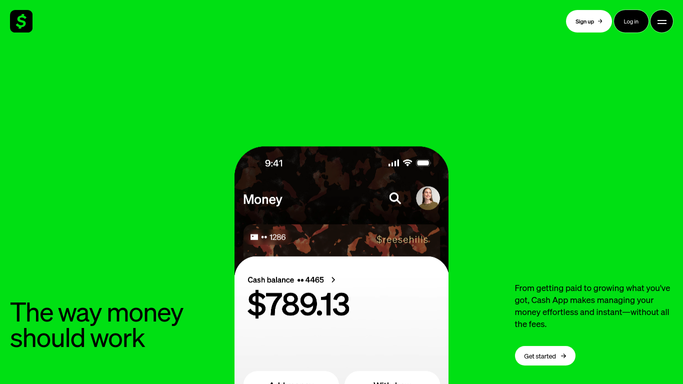
WebRun opens Cash App to read recent activity. - Sign into your Cash App for Business account and open the activity list
- Read every entry since the last run
- Pick out refunds issued and payments marked as disputed
- Record the customer name, amount, date, and status for each
Done when Every refund and dispute since the last run is captured with its amount and status.
-
2
Slack - post refunds and disputes
slack.com How to Automate Slack

WebRun opens Slack to post refunds and disputes. - Post each refund and dispute to your finance channel in Slack
- Give the amount, the customer, and how long ago it happened
- Put disputes above refunds, since disputes carry a response deadline
- Skip anything already posted so the channel never repeats itself
Done when Every new refund and dispute is in the finance channel exactly once.
-
3
Twilio - text on large amounts
twilio.com How to Automate Twilio

WebRun opens Twilio to text on large amounts. - Open the Twilio console and prepare an SMS to your own number
- Draft one short text per item above the amount limit you set, naming the amount and whether it is a refund or a dispute
- Send only to your own number. Customers are never texted
- Hold the text as a draft for approval if more than three large items land in the same run
Done when Large refunds and disputes have reached your phone, or nothing crossed the limit.
How is each run configured?
Secure by default
Connect once, stays signed in
WebRun signs in once and keeps each session in a persistent environment, so every run picks up right where it left off.
Every action is checked against this policy before it runs.
Questions, answered
Can it move money or issue refunds itself?
No. WebRun only reads your Cash App activity. It never issues a refund, responds to a dispute, sends a payment, or changes a linked bank account.
Will it text my customers?
No. Twilio texts go to your own number only, and only for amounts above the limit you set. Larger batches are held as drafts for your approval first.
Will the same dispute be posted twice?
No. WebRun keeps a record of what it has already posted and only sends items that are new since the last run, so the Slack channel stays clean.
Related templates
Put this on autopilot.
Turn it on in minutes - or have our team set it up for you.