Automated CallRail Missed Call Callbacks
Every hour during business hours, WebRun opens CallRail, finds the calls that went unanswered or were abandoned, captures the caller number, the tracking source, and the time, creates a callback row in Airtable if that caller has no open one, and posts the callback queue to Microsoft Teams.
How do I make sure missed calls get called back?
WebRun checks CallRail every hour for calls that went unanswered, abandoned, or to voicemail, capturing the caller number, the tracking source, and any voicemail note. It opens or updates one callback row per caller in Airtable and posts the live callback queue to Microsoft Teams, so no missed call is forgotten.
- Missed calls become an owned callback within the hour
- Repeat callers rise to the top of the queue instead of being counted twice
- The team sees which campaign each missed call came from
Built for marketing agencies · home services businesses · dental and medical practices · inside sales teams
What does WebRun do on every run?
The exact actions WebRun takes, in order - in plain language, so you can adjust anything.
-
WebRun signs in and gets to work
Opens
app.callrail.comin a real browser with your saved login - no setup, no API keys. -
1
CallRail - find missed and abandoned calls
callrail.com
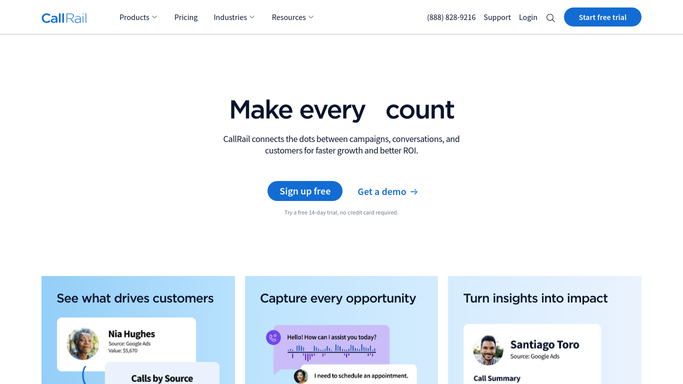
WebRun opens CallRail to find missed and abandoned calls. - Open CallRail and go to the call log
- Filter to calls since the last run that were missed, abandoned, or went to voicemail
- Capture the caller number, the tracking number and source, the duration, and the time
- Note whether a voicemail was left and read the transcription if one exists
Done when Every missed call since the last run is captured with its source.
-
2
Airtable - open a callback row per caller
airtable.com

WebRun opens Airtable to open a callback row per caller. - Open your Callbacks base in Airtable
- Check whether the caller already has an open callback row, and if so add the new attempt to it
- Create a new row for first-time callers with the number, the source, the time, and the voicemail note
- Leave the owner field blank so a human claims it, and set status to Waiting
Done when Every missed caller has exactly one open callback row in Airtable.
-
3
Microsoft Teams - post the callback queue
microsoft.com

WebRun opens Microsoft Teams to post the callback queue. - Post the open callback queue to your sales or front-desk Teams channel
- Put callers who have tried more than once at the top
- Show the tracking source so the team knows which campaign the call came from
- Stay quiet on any hour with no missed calls
Done when The team can see every caller still waiting for a callback.
How is each run configured?
Secure by default
Connect once, stays signed in
WebRun signs in once and keeps each session in a persistent environment, so every run picks up right where it left off.
Every action is checked against this policy before it runs.
Questions, answered
Will it call or text the person back?
No. WebRun never contacts a caller. It builds the callback queue in Airtable and posts it to Teams. A human picks up the phone, which is the whole point of the queue.
Does the same caller create a new row each time?
No. WebRun checks for an open callback row first and adds the new attempt to it, so a caller who tries three times shows as one row with three attempts, not three rows.
Can it run outside office hours?
It runs on the hours you set, usually your business hours. Calls missed overnight are picked up on the first run of the next morning, so nothing is lost.
Related templates
Put this on autopilot.
Turn it on in minutes - or have our team set it up for you.