Find the open roles nobody is actually working
Every morning, WebRun opens Bullhorn, lists every job order still open, counts the candidate submissions behind each one, flags the roles with no submissions and no recent activity, records them in Airtable with their owner and days open, and texts the recruitment manager through Twilio.
- No credit card
- Under $0.01 per run
- Cancel anytime
How do I find open job orders with no candidate submissions?
Every morning, WebRun opens Bullhorn, lists the job orders still open, and checks how many candidate submissions sit behind each one. It records the roles with no submissions in Airtable against their owner and days open, and texts the recruitment manager through Twilio so quiet roles get reassigned.
- Roles getting no candidate work surface before the client asks
- Every open job order has a daily submission count
- Clients and candidates are never contacted by the run
Built for recruitment managers · staffing agencies · agency directors · recruiters
What does WebRun do on every run?
The exact actions WebRun takes, in order - in plain language, so you can adjust anything.
-
WebRun signs in and gets to work
Opens
bullhorn.comin a real browser with your saved login - no setup, no API keys. -
1
Bullhorn - check submissions per job order
bullhorn.com
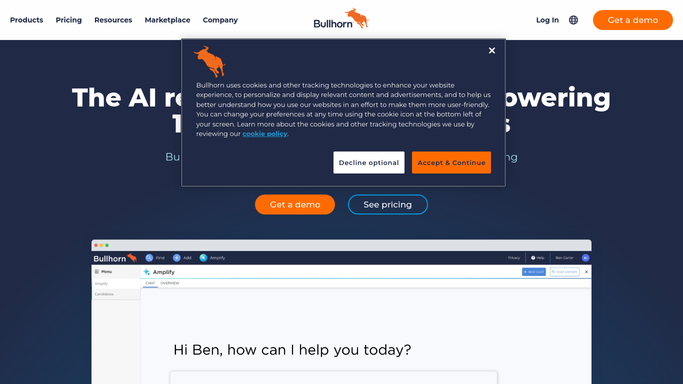
WebRun opens Bullhorn to check submissions per job order. - Open Bullhorn and filter job orders to open
- For each job order, capture the client, the owner and how many days it has been open
- Count the candidate submissions recorded against it and when the last one was added
- Flag any role with no submissions at all, and any where the last submission is older than your threshold
- Change no record. WebRun reads the job orders and leaves ownership as it is
Done when Every open job order has a submission count, an owner and a days-open figure.
-
2
Airtable - log the uncovered roles
airtable.com How to Automate Airtable

WebRun opens Airtable to log the uncovered roles. - Update the coverage table with one row per open job order
- Record the client, owner, days open, submission count and last submission date
- Group by owner, so a recruiter carrying several quiet roles is visible
- Keep the history, so a role that has been quiet for weeks stands out
Done when The coverage table shows every open role and who owns it.
-
3
Twilio - text the recruitment manager
twilio.com How to Automate Twilio

WebRun opens Twilio to text the recruitment manager. - Text the recruitment manager's own number with the count of uncovered roles
- Name the oldest role with no submissions and the client it belongs to
- Send to internal numbers only. No client or candidate is ever texted
- Stay quiet on a morning when every open role has recent submissions
Done when The recruitment manager knows which roles are getting no work today.
How is each run configured?
Secure by default
Connect once, stays signed in
WebRun signs in once and keeps each session in a persistent environment, so every run picks up right where it left off.
Every action is checked against this policy before it runs.
Questions, answered
Will it contact clients or candidates?
No. The Twilio text goes to your own recruitment manager. WebRun never messages a client or a candidate, and it submits nobody to a role.
Does it reassign job orders?
No. It reports which roles have no submissions and who owns them. Reassigning the desk stays a manager's decision inside Bullhorn.
What counts as an uncovered role?
An open job order with no candidate submissions at all, or none newer than the age you set. Both are listed separately so the picture is honest.
Related templates
Put this on autopilot.
Turn it on in minutes - or have our team set it up for you.